


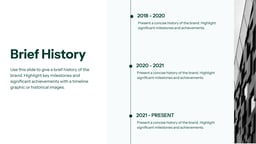
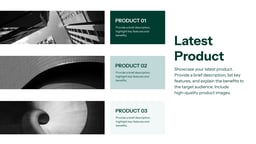
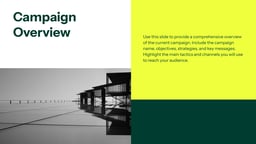
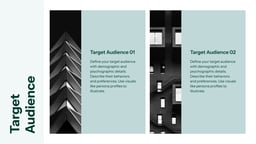

What is a Creative Brief Presentation Template?
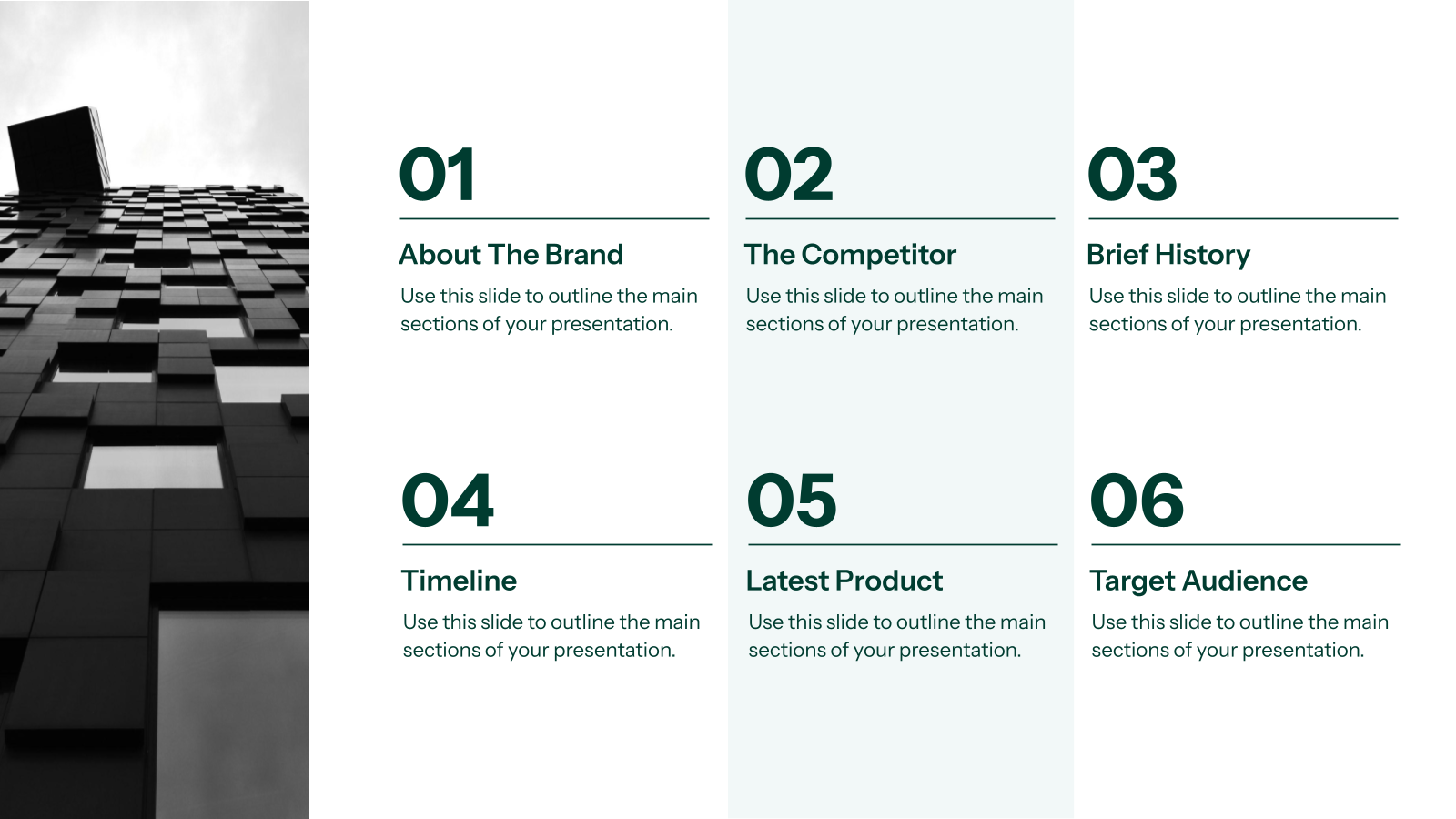
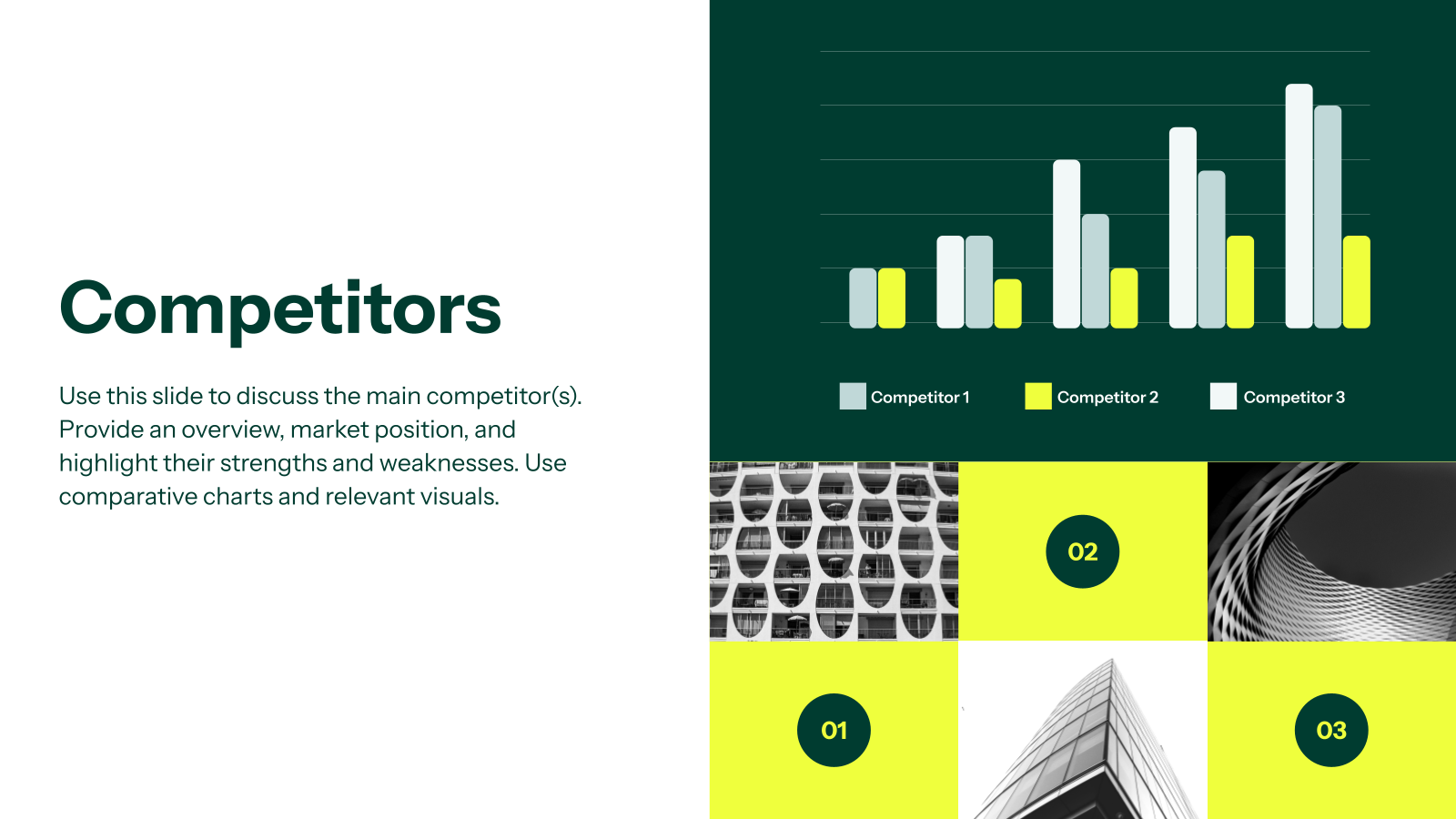
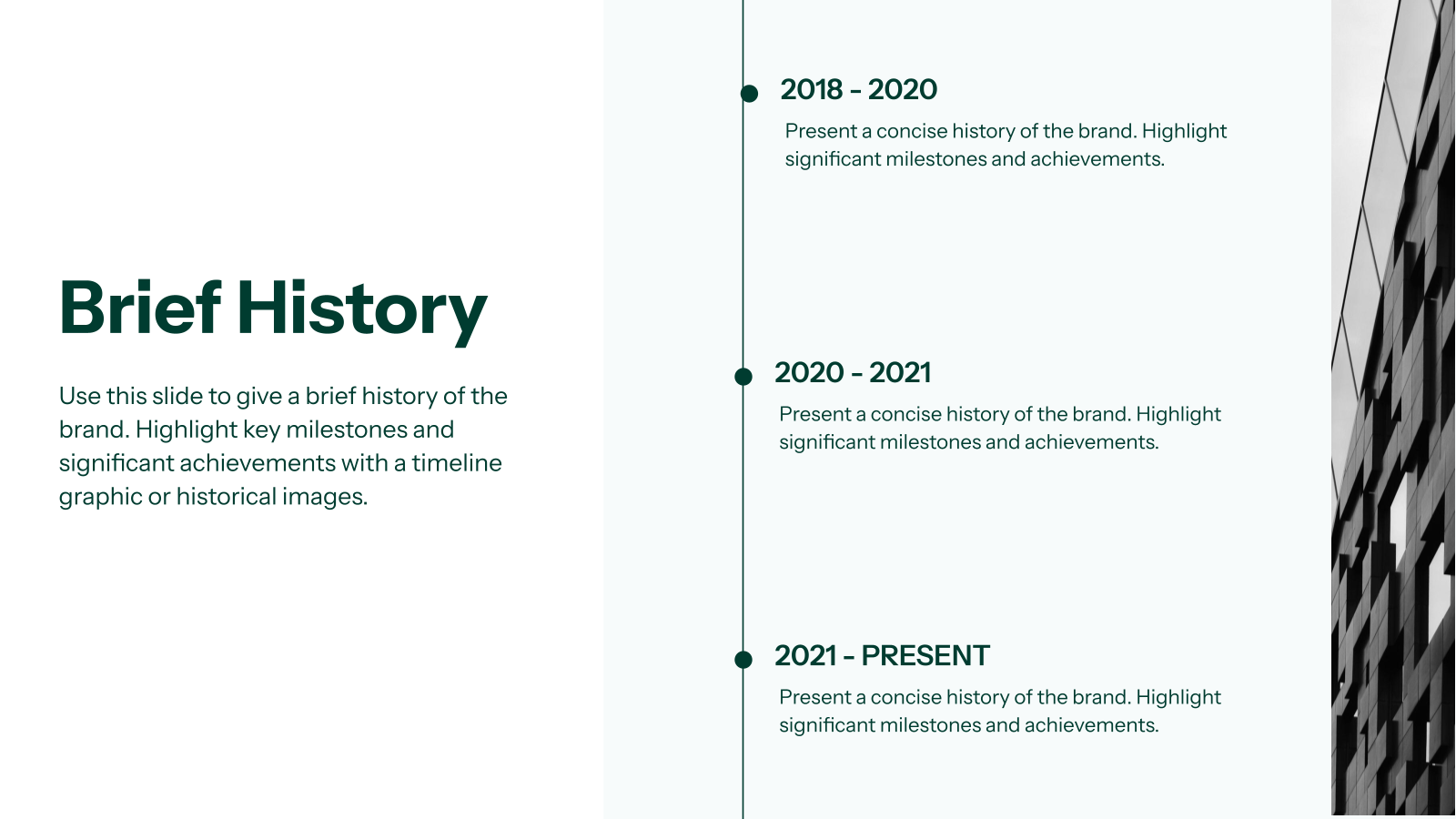
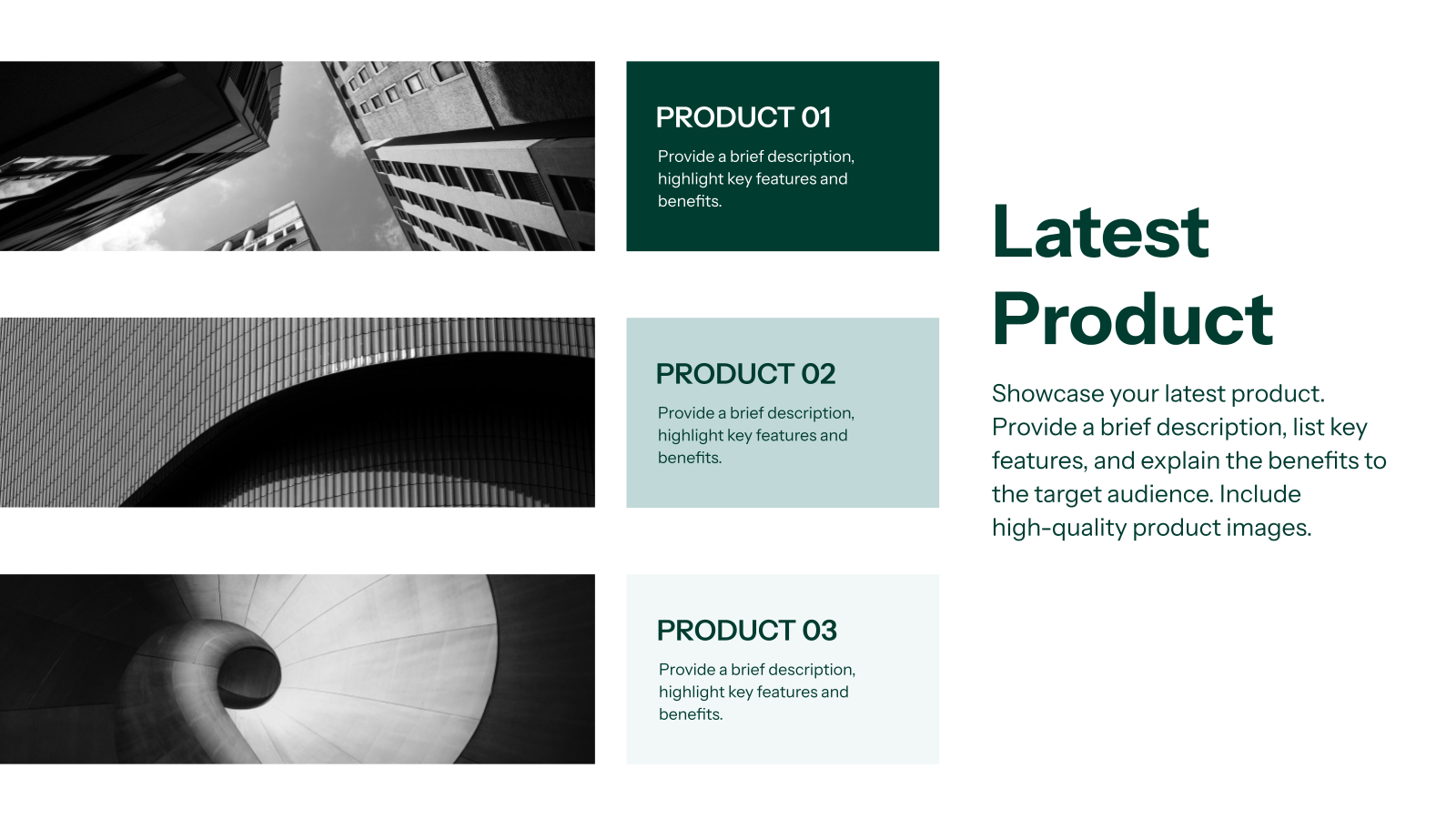
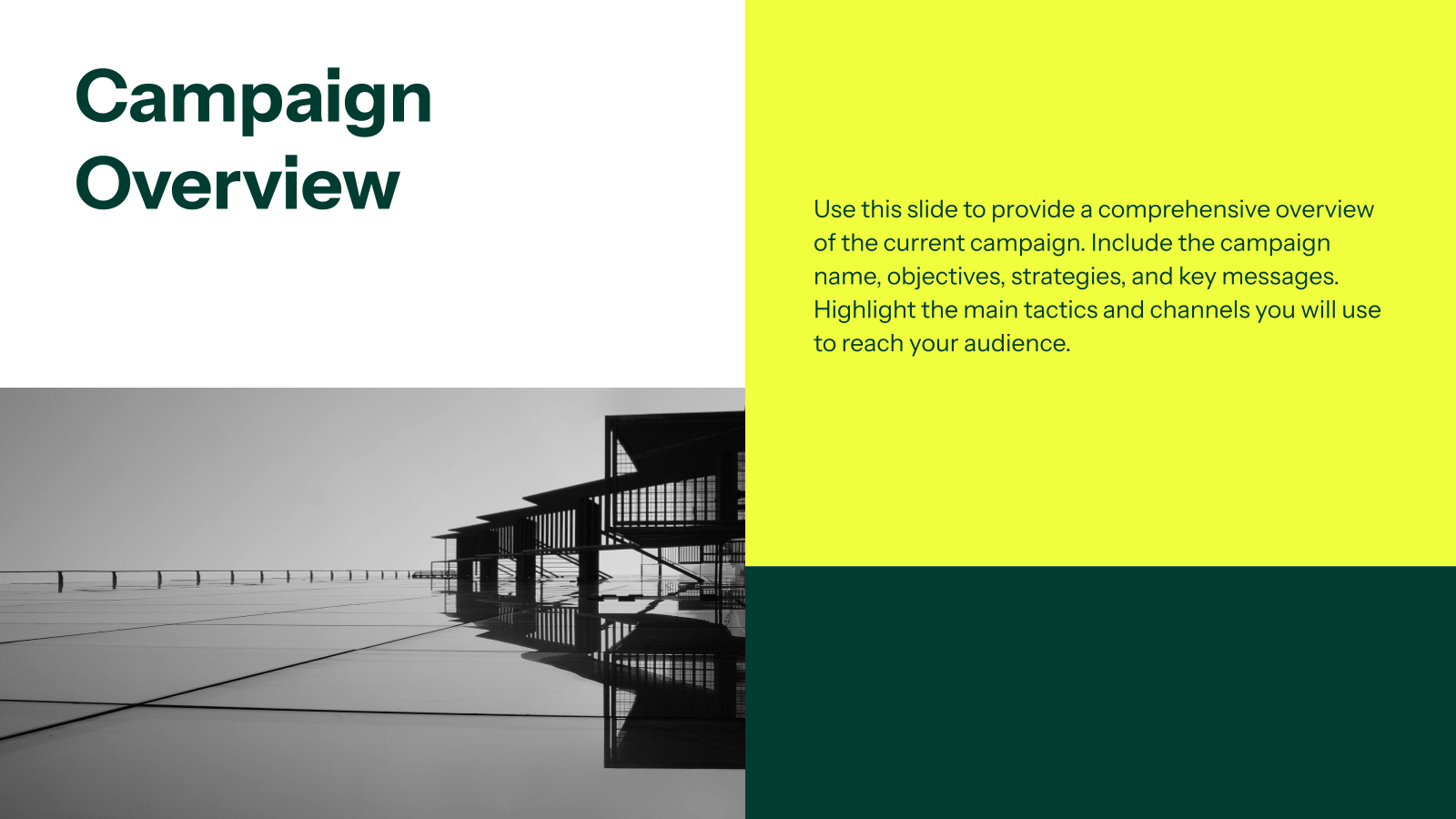
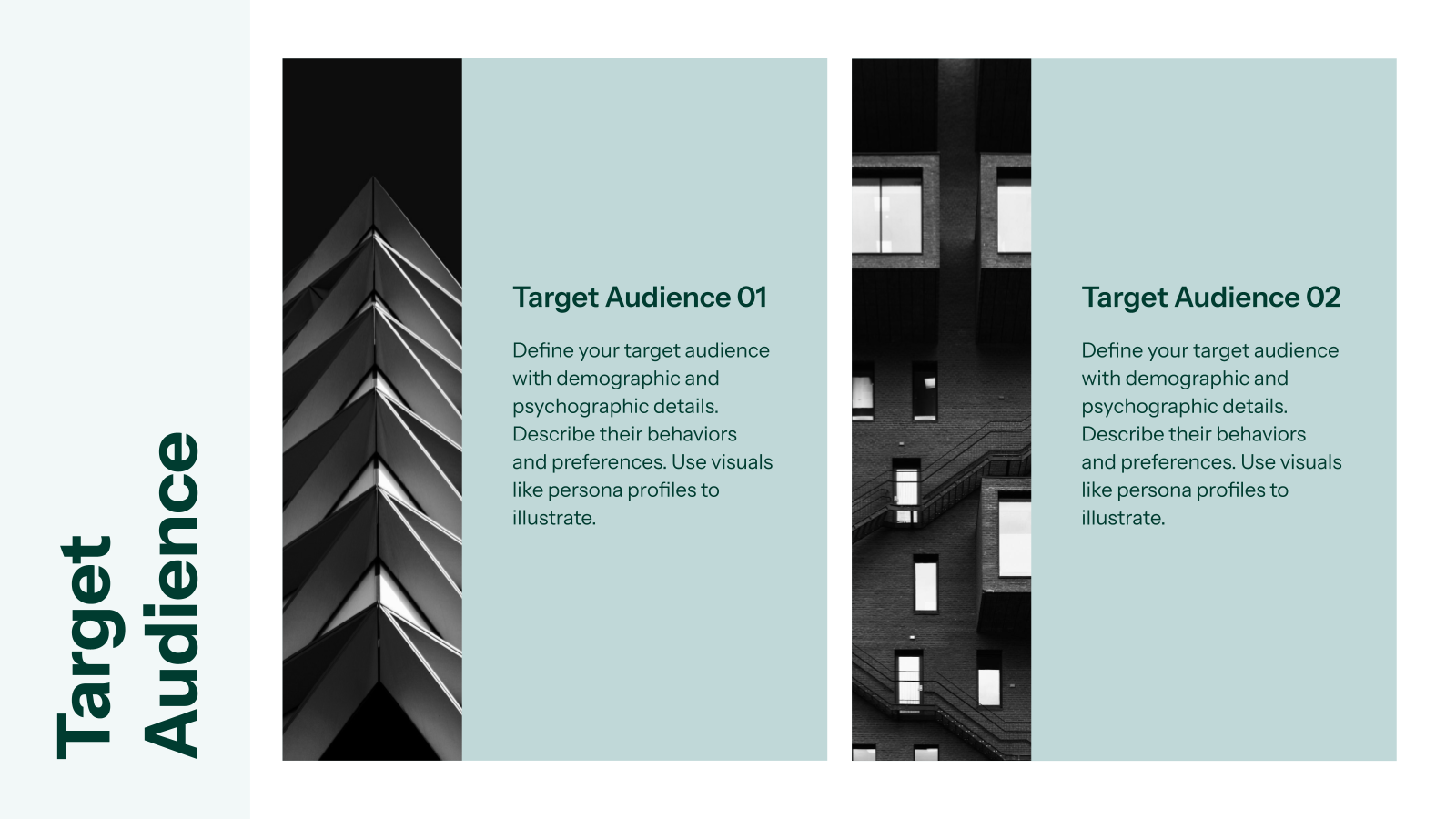
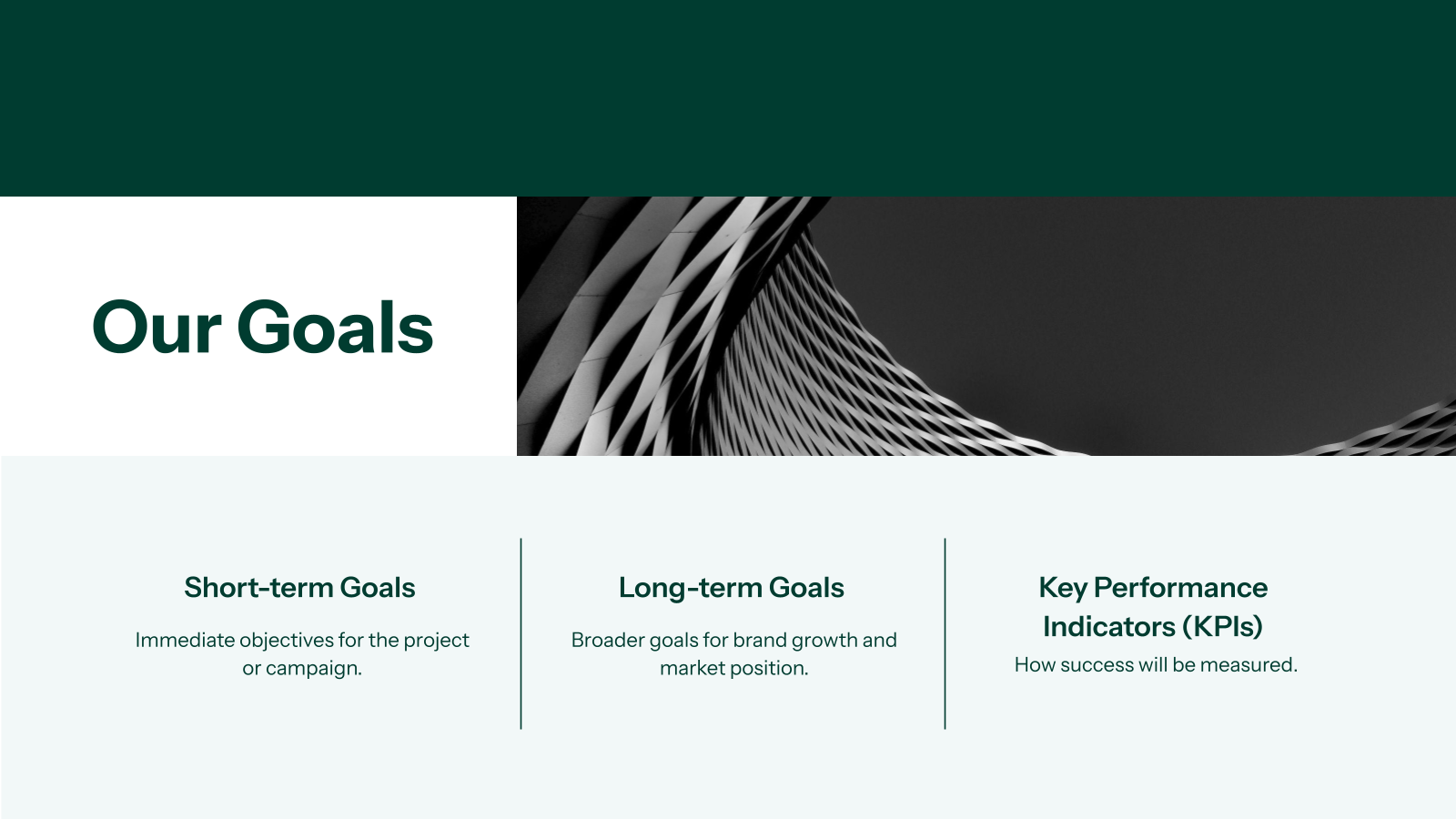
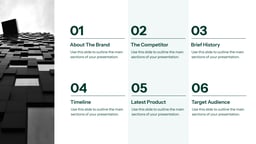
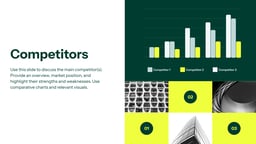
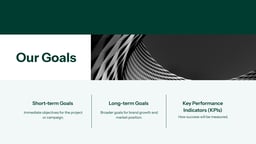
A Creative Brief Presentation Template is a ready-made slide structure that helps you present project details clearly before any creative work begins. It usually includes slides for goals, target audience, brand guidelines, messaging, deliverables, timelines, and references. Instead of starting from scratch, you just fill in your project information and present it to your team or client. This makes sure everyone understands the direction, expectations, and scope of the work from day one.
Where Can You Use This Creative Brief Presentation?
A creative brief presentation is not limited to one department. It is used across marketing, branding, design, product, and internal communication projects.
Here are some common use cases.
- Marketing Campaign Planning: Creative briefs help define campaign goals, target audience, messaging themes, and success metrics.
- Branding and Rebranding Projects: When building or refreshing a brand, the brief outlines brand vision, tone of voice, colour palettes, typography, and visual direction.
- Design and Creative Agency Briefs: Agencies rely on creative briefs to understand client expectations.
- Content and Editorial Planning: Content teams use briefs to align blogs, social media, videos, and campaigns with brand voice and audience needs.
- Product and UX Design Projects: In product design, briefs highlight user personas, pain points, feature requirements, and experience goals.
- Internal Team Alignment and Kickoff Meetings: Ensures every stakeholder understands project scope, responsibilities, and deadlines.
- Client and Stakeholder Presentations: Presenting a creative brief to clients helps secure faster approvals.
How to Use SlidesAI’s Creative Brief Presentation Template?
- Microsoft PowerPoint: Click on Download > Click on “PowerPoint” > Click on the downloaded file to make a copy and start customising/editing the template
- Google Slides: Click on Download > Click on “Google Slides” > Click on “Use Template” to make a copy and start customising/editing the template
Create presentations in seconds. Enter text and SlidesAI creates customizable slides based on that text in seconds that go well with all our templates, too.
Create Presentations Easily in Google Slides and PowerPoint
14M+Installs
 Install add-in
Frequently Asked Questions
1. Can I use a creative brief presentation for client meetings?
Yes, you can. Creative brief presentations are often used in client meetings to align expectations, discuss direction, and get early approvals before work begins.
2. Should a creative brief presentation include visuals?
Yes. Visuals like mood boards, brand references, and design samples help communicate tone and style more clearly than text alone.
3. Can beginners use a creative brief presentation template?
Yes, templates are beginner-friendly. They guide you on what content to add on each slide, making the process easier to follow.
4. Can one creative brief presentation template work for all projects?
A base template can work across projects, but you should adjust sections based on the project type, goals, and scope.
5. Can creative brief presentations improve collaboration?
Yes. They create a shared reference point that helps clients, designers, and stakeholders stay aligned throughout the project.
6. Can I use this template with PowerPoint?
The template is designed for Google Slides, but you can export and edit it in PowerPoint if required.
7. Can I replace images in the template?
Yes. You can click on any placeholder image and upload your own visuals to match your project.
8. Can I use this template for commercial projects?
Yes, you can use it for both personal and commercial work. Reselling or redistributing the template itself is not allowed.
9. Can I add extra slides or delete unneeded ones?
Yes. You can fully customise the slide count by adding, removing, or rearranging slides.
10. Can I integrate this template with SlidesAI’s AI features?
Yes. If you use the SlidesAI add-on, you can generate content, expand points, or rewrite text directly inside your presentation.