


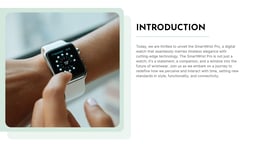
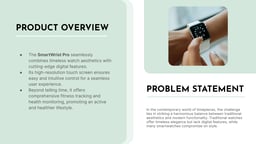
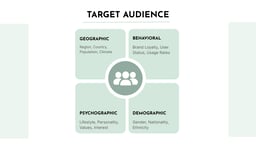
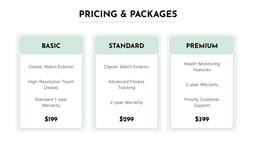

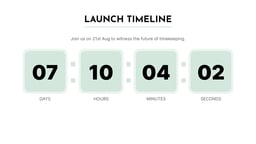
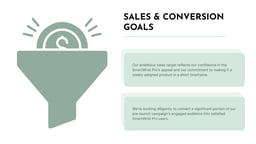
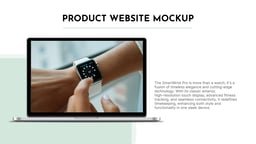

What is a Product Launch Presentation Template?
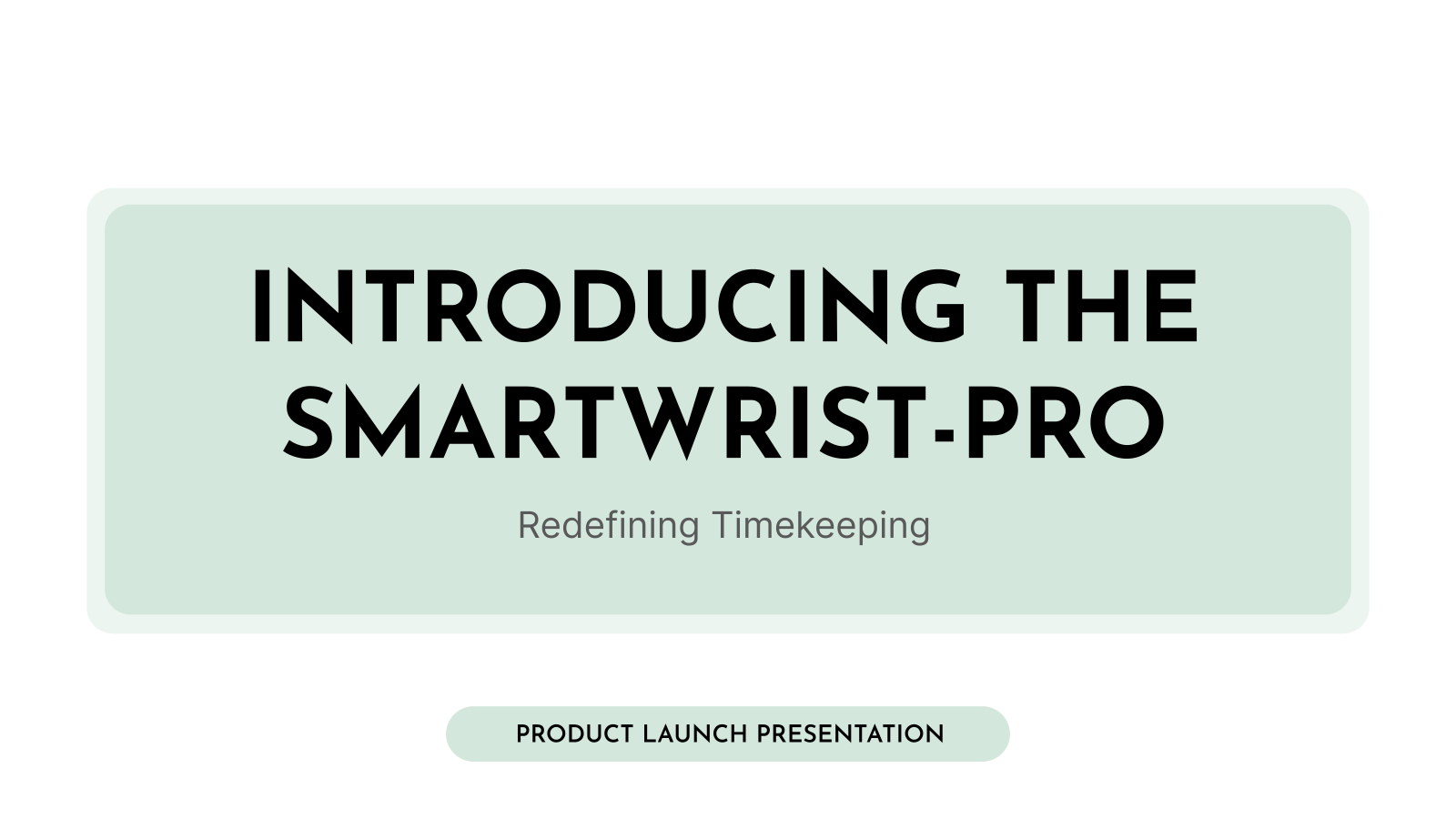
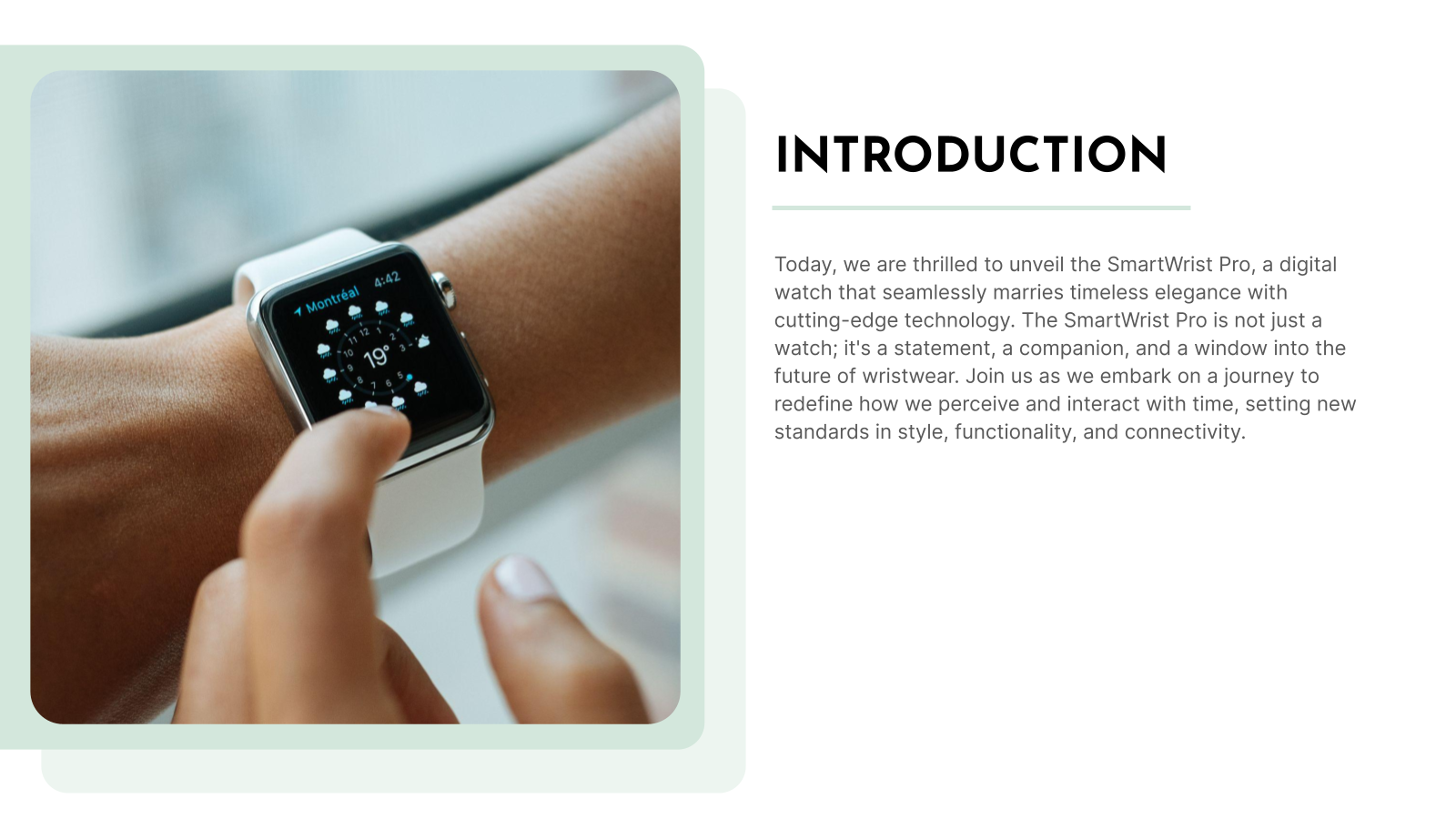
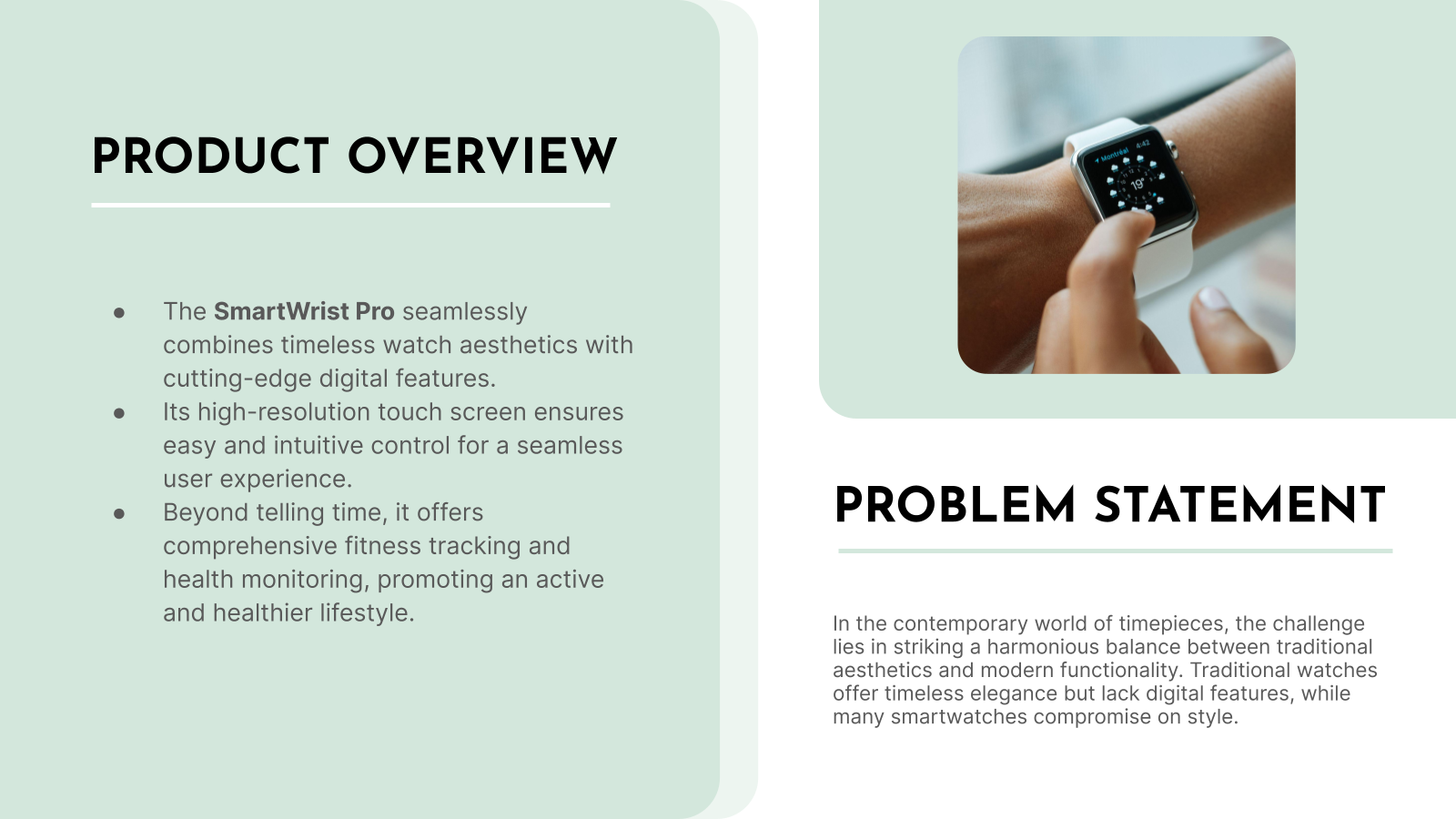
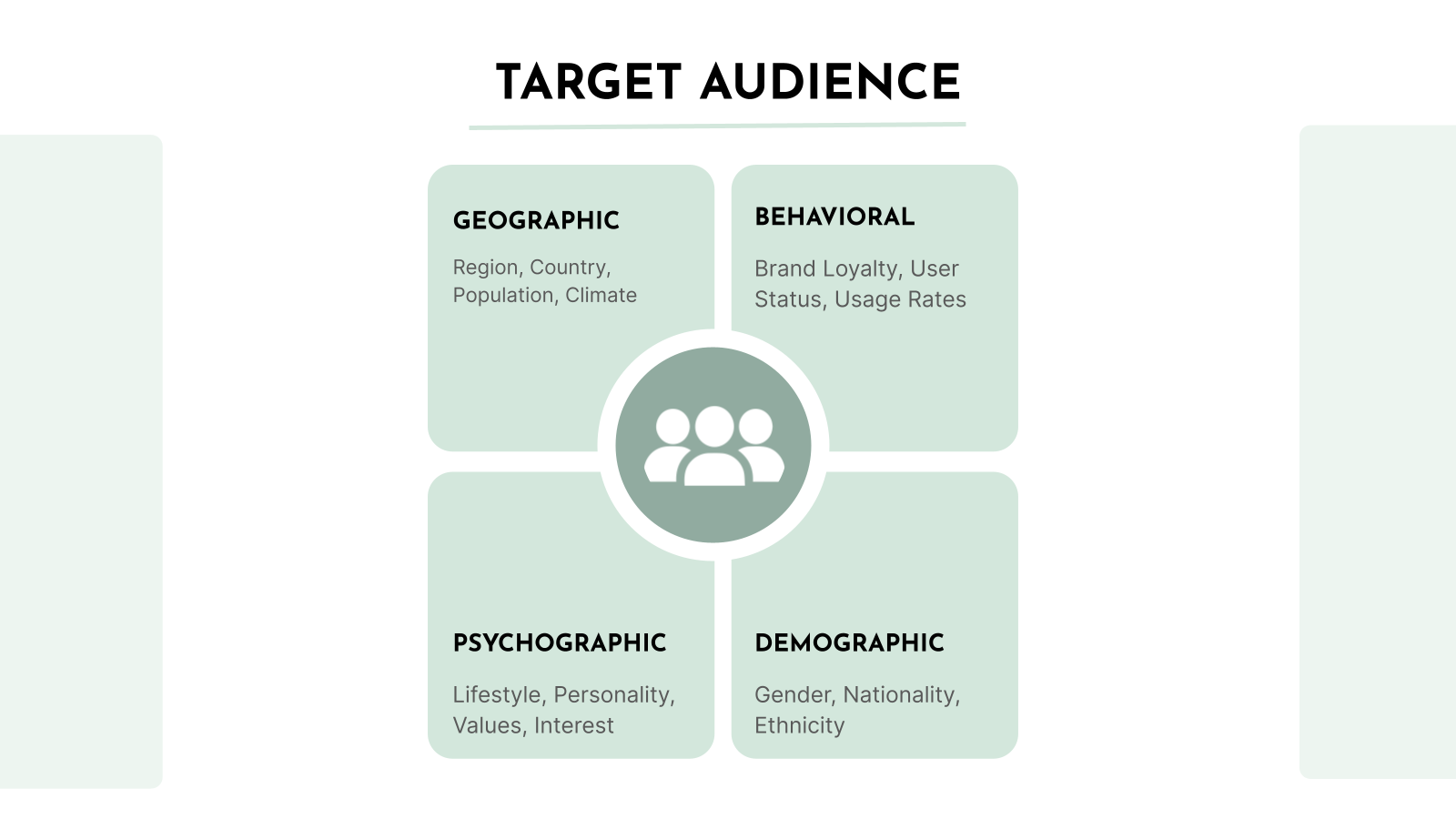
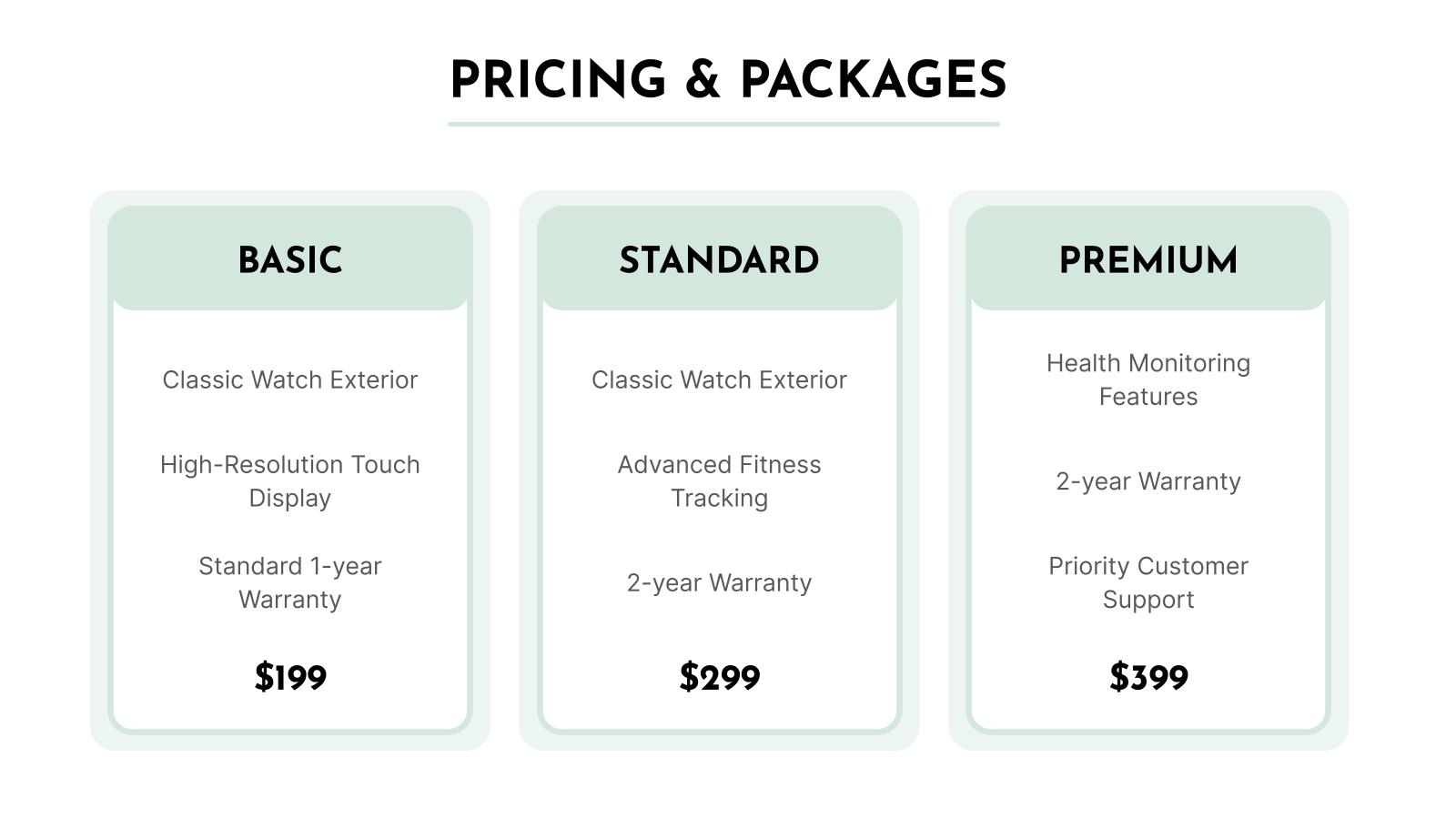
A product launch PPT template is a ready-made slide structure that helps teams introduce a new product in a clear and organised way. It includes sections for product details, features, benefits, market positioning, and launch goals. Instead of starting from scratch, teams can focus on refining the message and visuals while keeping the presentation consistent and easy to follow. This makes it useful for internal planning as well as external communication.
Where Can You Use This Product Launch Template for Presentation?
Here are some common ways businesses use these templates during a product launch.
- Introduce a New Product Clearly: Present the product idea, its purpose, and the value it brings to users in a structured format.
- Highlight Features and Benefits: Showcase product functionalities and explain how they solve real customer problems.
- Support Marketing and Sales Teams: Provide teams with consistent messaging they can use across campaigns, demos, and client conversations.
- Pitch to Investors and Stakeholders: Explain market opportunity, pricing strategy, and growth potential using simple visuals and data points.
- Align Internal Teams: Ensure product, marketing, and sales teams are on the same page regarding launch timelines, goals, and communication.
Why Choose Our Product Launch PPT Template?
- Professional Design – Clean and modern slides that make your product stand out.
- Easy to Customize – Quickly edit text, images, and colors to match your brand.
- Well-Structured Slides – Covers key sections like product features, benefits, and launch plan.
- Engaging Layouts – Helps present your product in a clear and attractive way.
- Saves Time – Ready-made slides let you create a launch presentation quickly.
- Compatible with Popular Tools – Works with PowerPoint and Google Slides.
How to Use This Product Launch Presentation Template?
- Microsoft PowerPoint: Click on Download > Click on “PowerPoint” > Click on the downloaded file to make a copy and start customising/editing the template
- Google Slides: Click on Download > Click on “Google Slides” > Click on “Use Template” to make a copy and start customising/editing the template
Create presentations in seconds. Enter text and SlidesAI creates customizable slides based on that text in seconds that go well with all our templates, too.
Create Presentations Easily in Google Slides and PowerPoint
14M+Installs
 Install add-in
Frequently Asked Questions (FAQs)
1. Is this product launch template free to use?
Yes, this template is available for free and can be downloaded without any cost. Once downloaded, you can edit it based on your product details, launch plan, and presentation goals. This makes it a convenient option for teams that want a ready starting point without investing in design from scratch.
2. Can I edit this template in Google Slides?
Yes, the template is fully compatible with Google Slides. You can upload it, open it online, and start editing instantly. This also makes it easy to access your presentation from anywhere and present directly from the browser without needing extra software.
3. Do I need design skills to use this template?
No, you do not need any prior design experience. The slides are already structured with layouts, placeholders, and visual balance in place. You simply need to replace the text, images, and data with your own content. This saves time and removes the stress of designing slides from scratch.
4. Can I customize fonts, colors, and layouts?
Yes, every visual element in the template can be customized. You can change fonts, adjust brand colors, modify slide layouts, and resize elements as needed. This flexibility allows you to align the presentation with your company’s brand guidelines.
5. Can I add my own product images and branding?
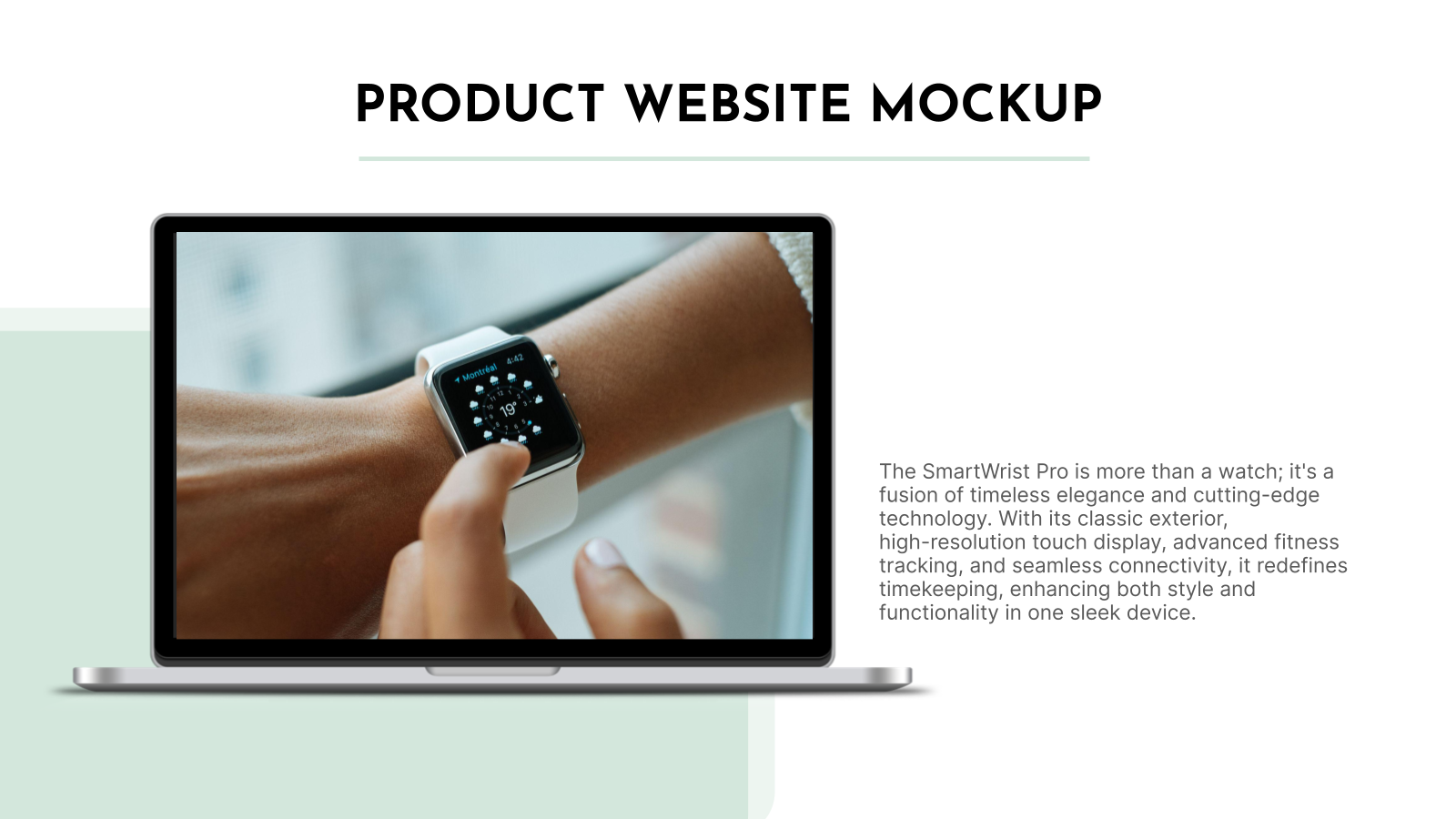
Absolutely. You can replace placeholder images with your actual product photos, screenshots, or mockups. You can also add your company logo, brand icons, and visual assets to maintain consistency across the presentation.
6. Is this template suitable for investor presentations?
Yes, this template works well for investor pitches. It includes slides that help you present your product value, target market, business model, and growth potential in a clear format. This makes it easier to communicate your vision to potential investors.
7. Can this template be used for marketing and sales presentations?
Yes, it is suitable for marketing launches, sales decks, product demos, and internal strategy meetings. The structure supports storytelling, product positioning, and feature explanation, making it useful across multiple business functions.
8. Does the template help explain product features and benefits?
Yes, it includes dedicated sections where you can highlight product features, use cases, and customer benefits. This helps you explain how the product solves real problems and why it stands out in the market.
9. Can I use this template for digital and live presentations?
Yes, the template works well for both formats. You can use it during in-person meetings, webinars, virtual demos, or recorded presentations. The slide flow is designed to keep the audience engaged in both physical and online settings.
10. Can I collaborate with my team on this template?
Yes, when you use the template in Google Slides, team collaboration becomes simple. Multiple team members can edit, comment, and suggest changes in real time. This speeds up review cycles and keeps everyone aligned.
11. Is this template suitable for startups and small businesses?
Yes, it is especially useful for startups and small teams that need a professional presentation quickly. Since the structure is already built, teams can focus more on messaging, product positioning, and launch planning instead of slide design.
12. Can I reuse the template for multiple product launches?
Yes, the template can be reused as many times as needed. You can duplicate the file, replace the content, and adapt it for new product launches, feature updates, or market expansions. This makes it a long-term asset for your presentation toolkit.