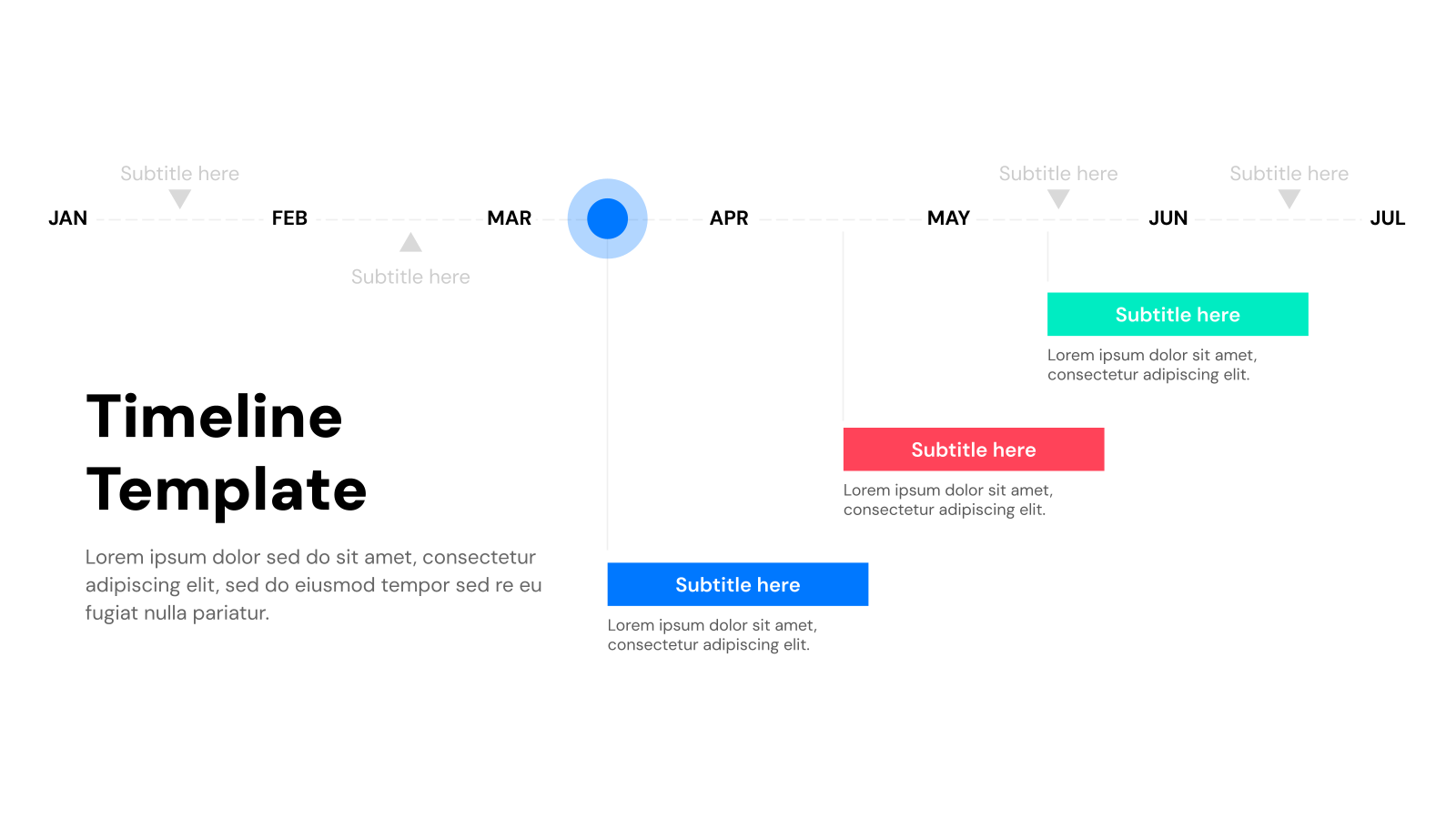
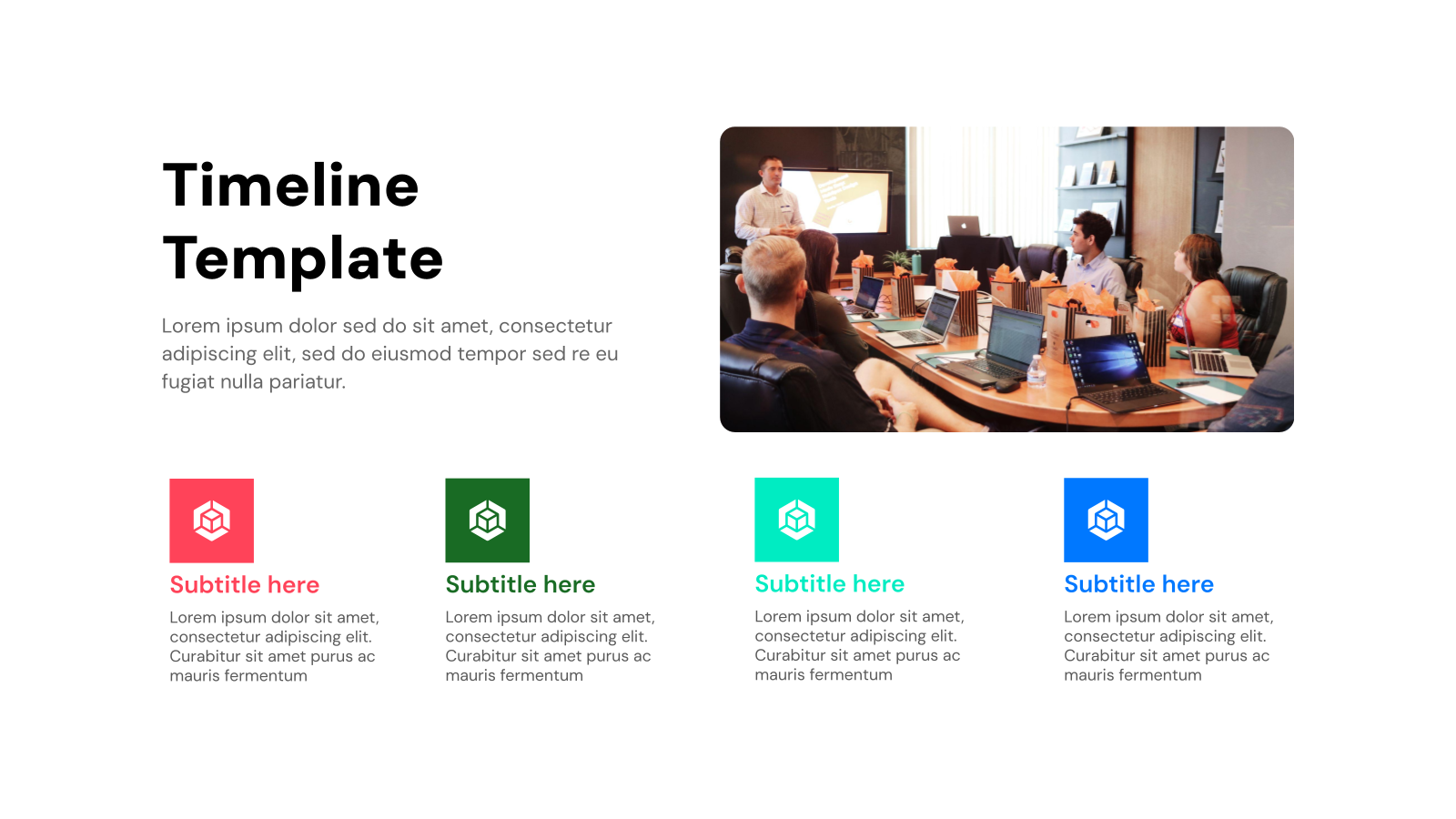
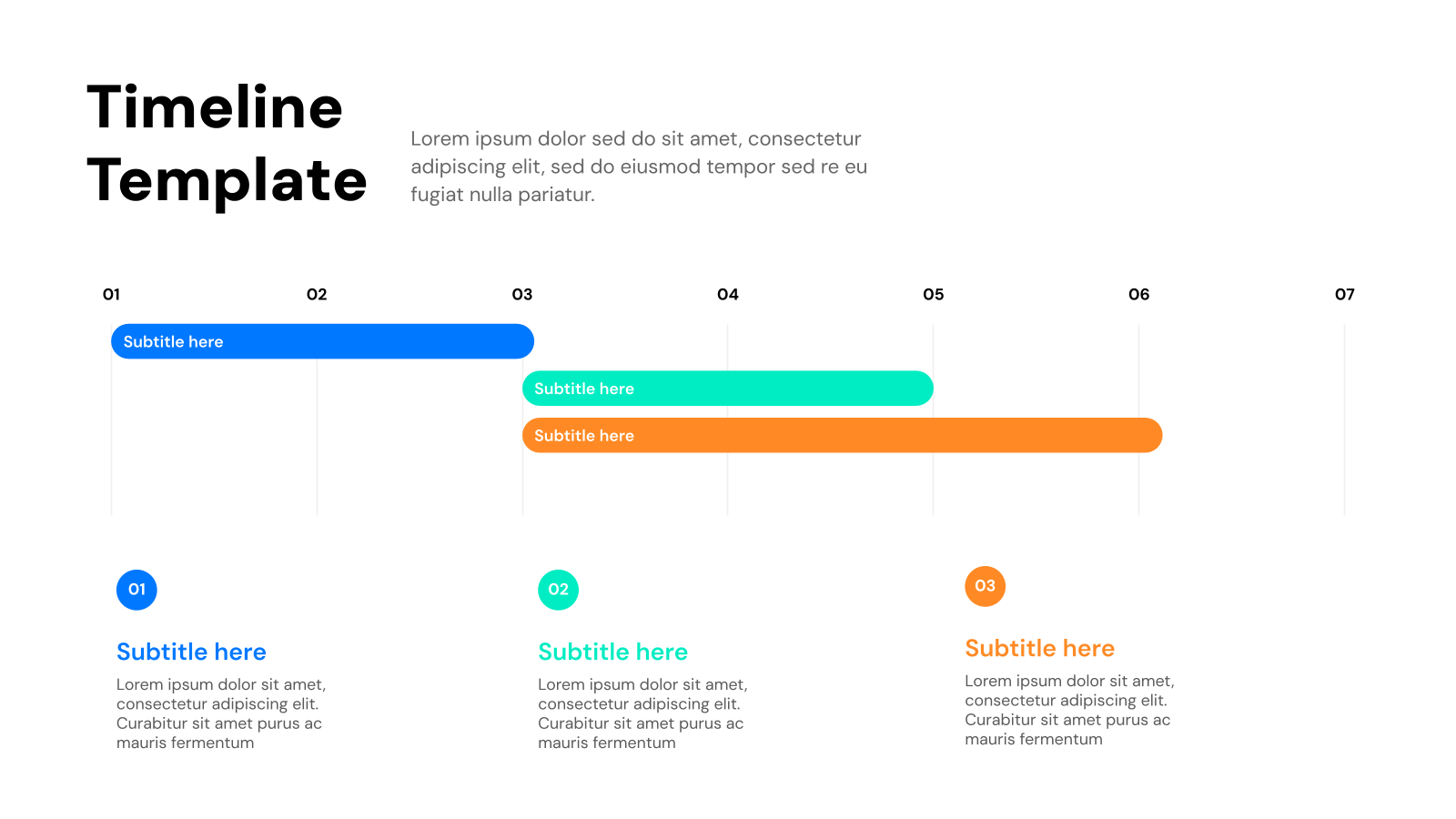
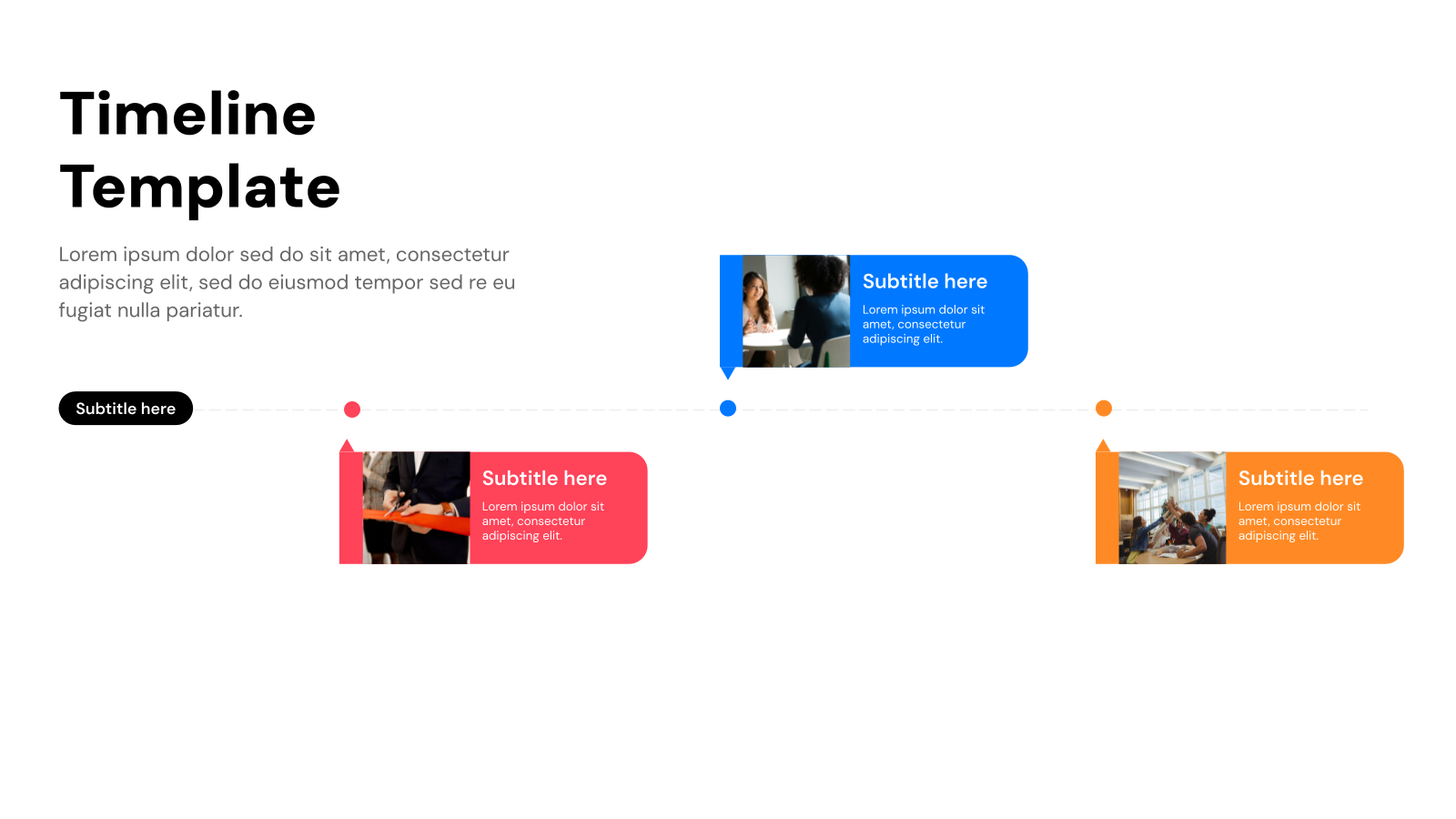
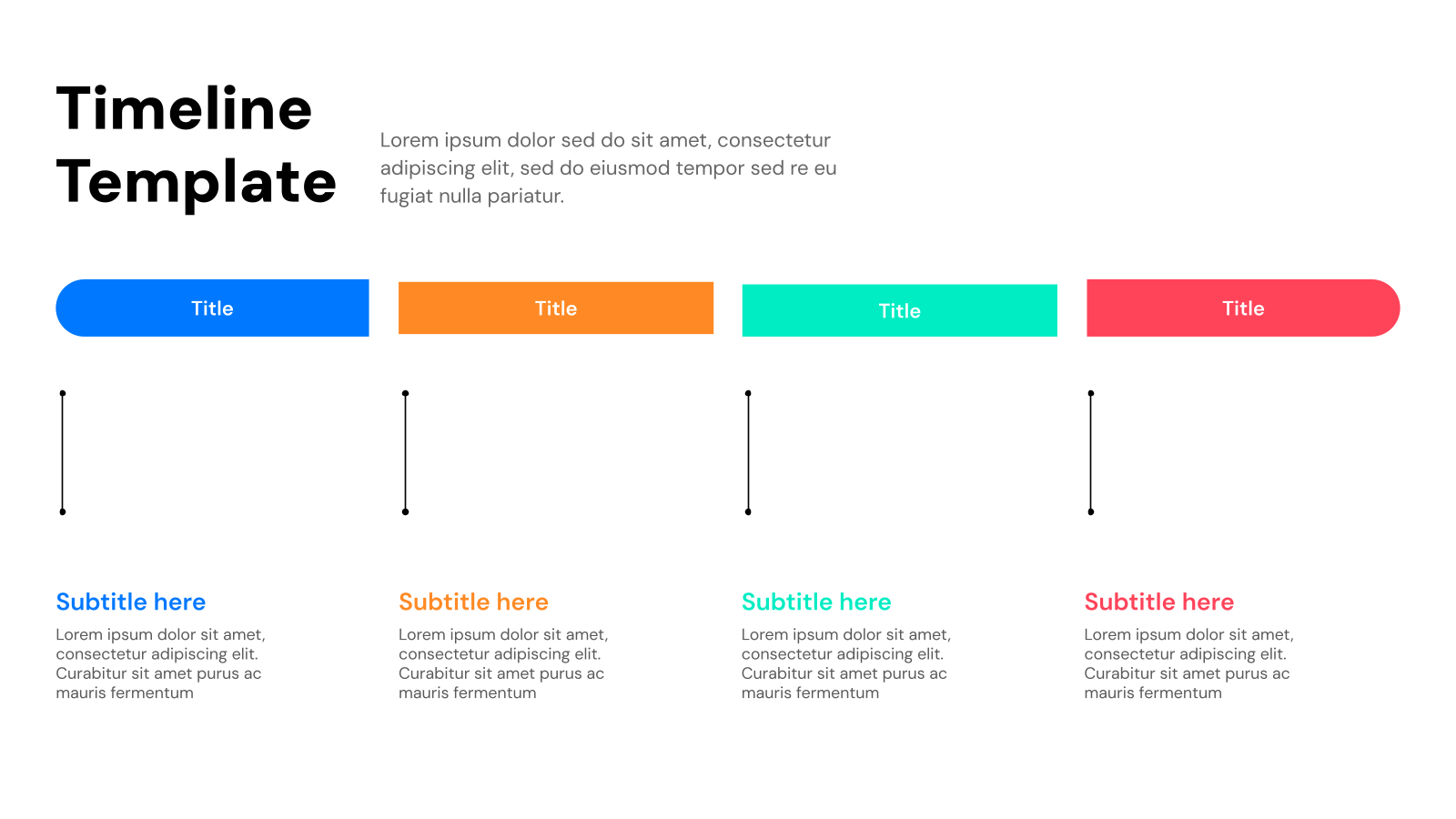
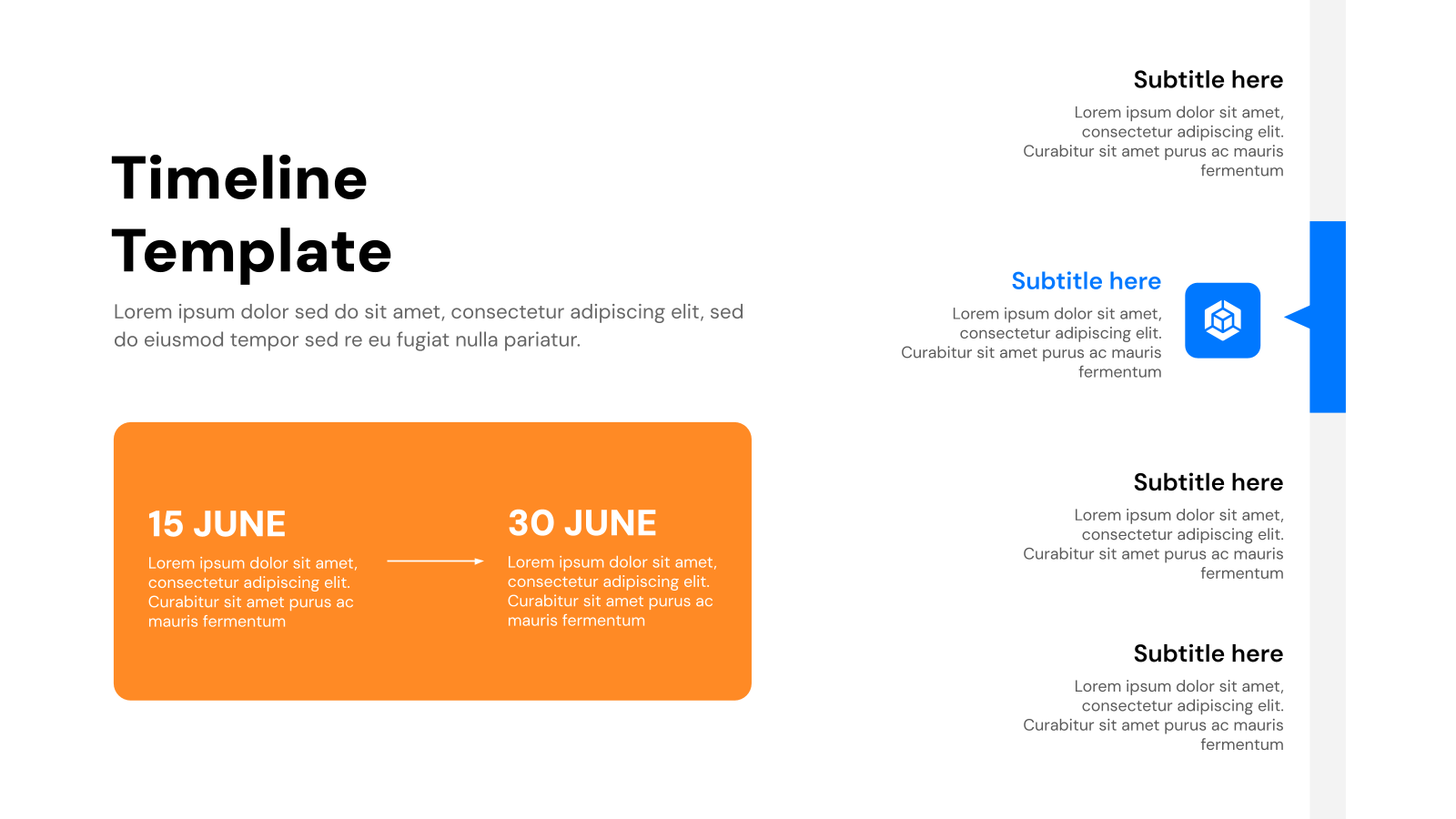
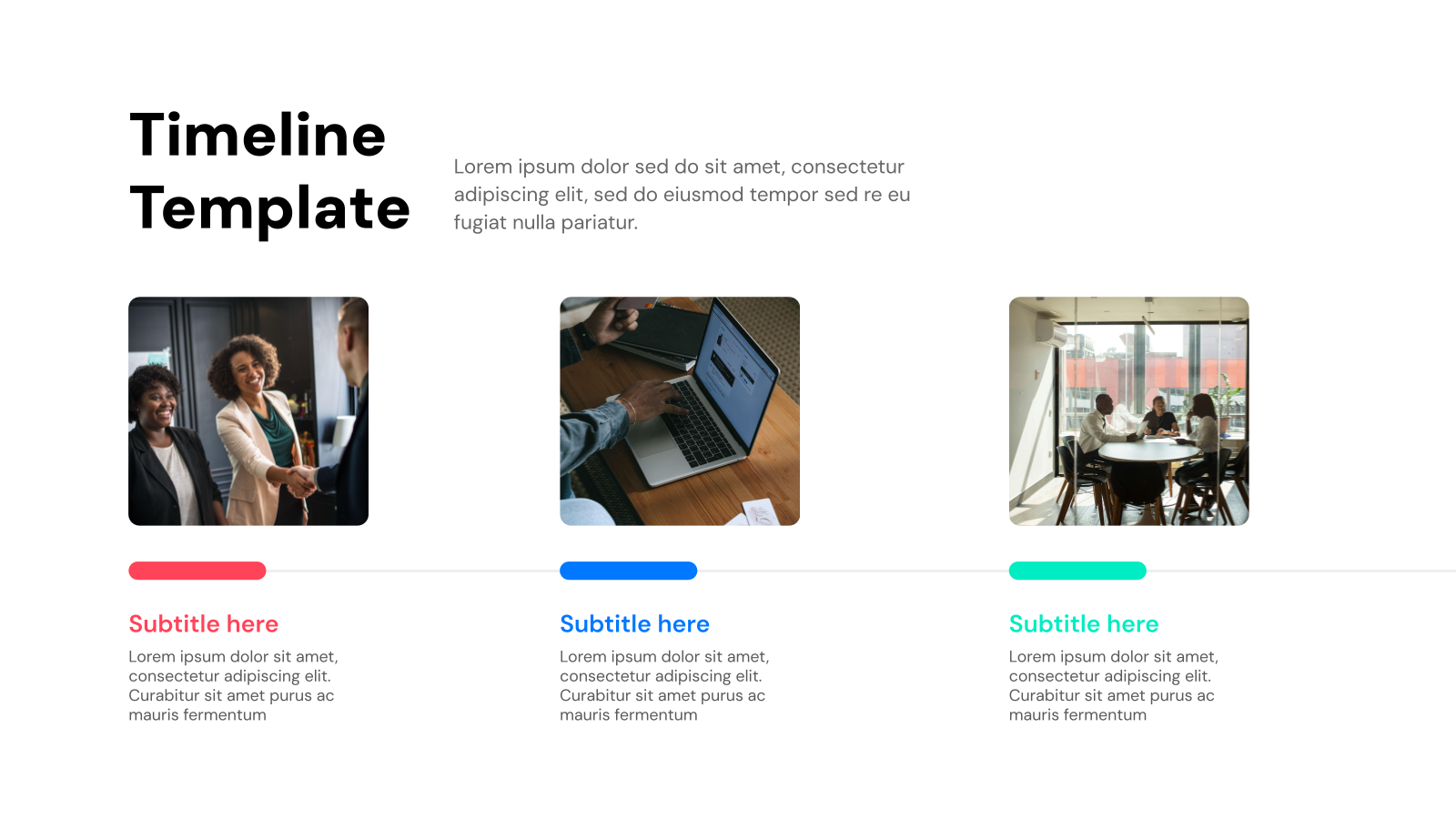
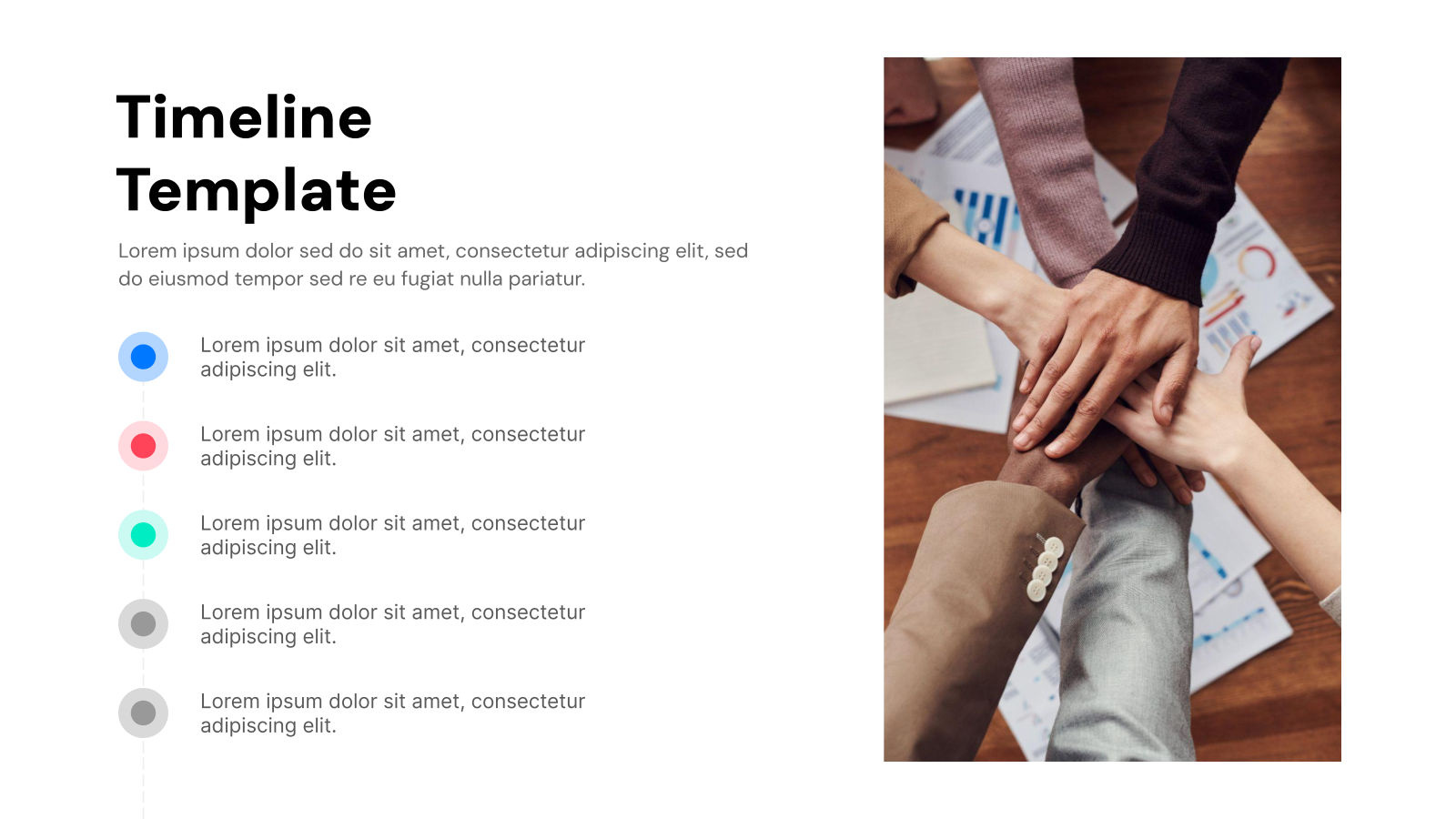
What Are Timeline Presentation Templates?
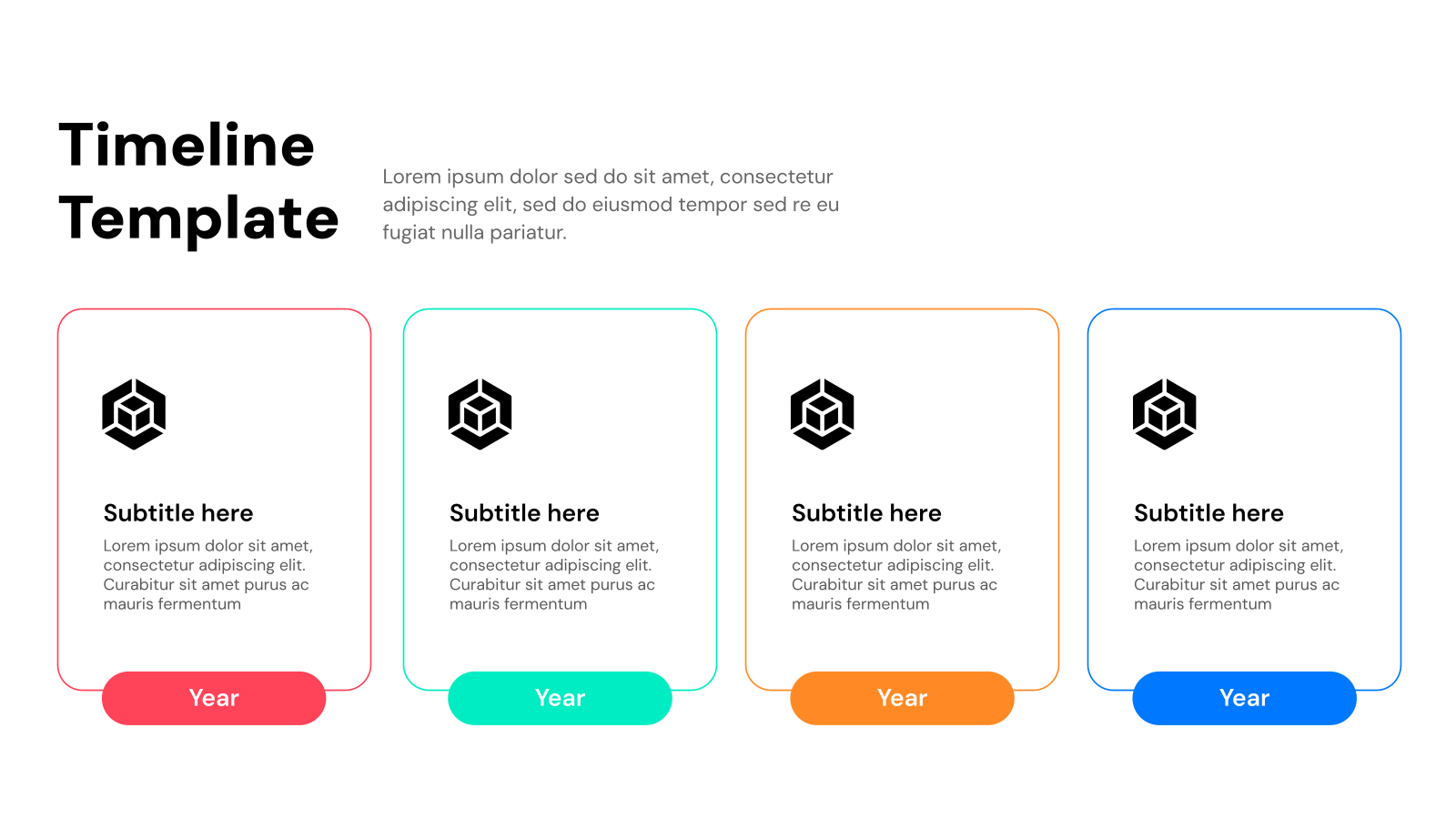
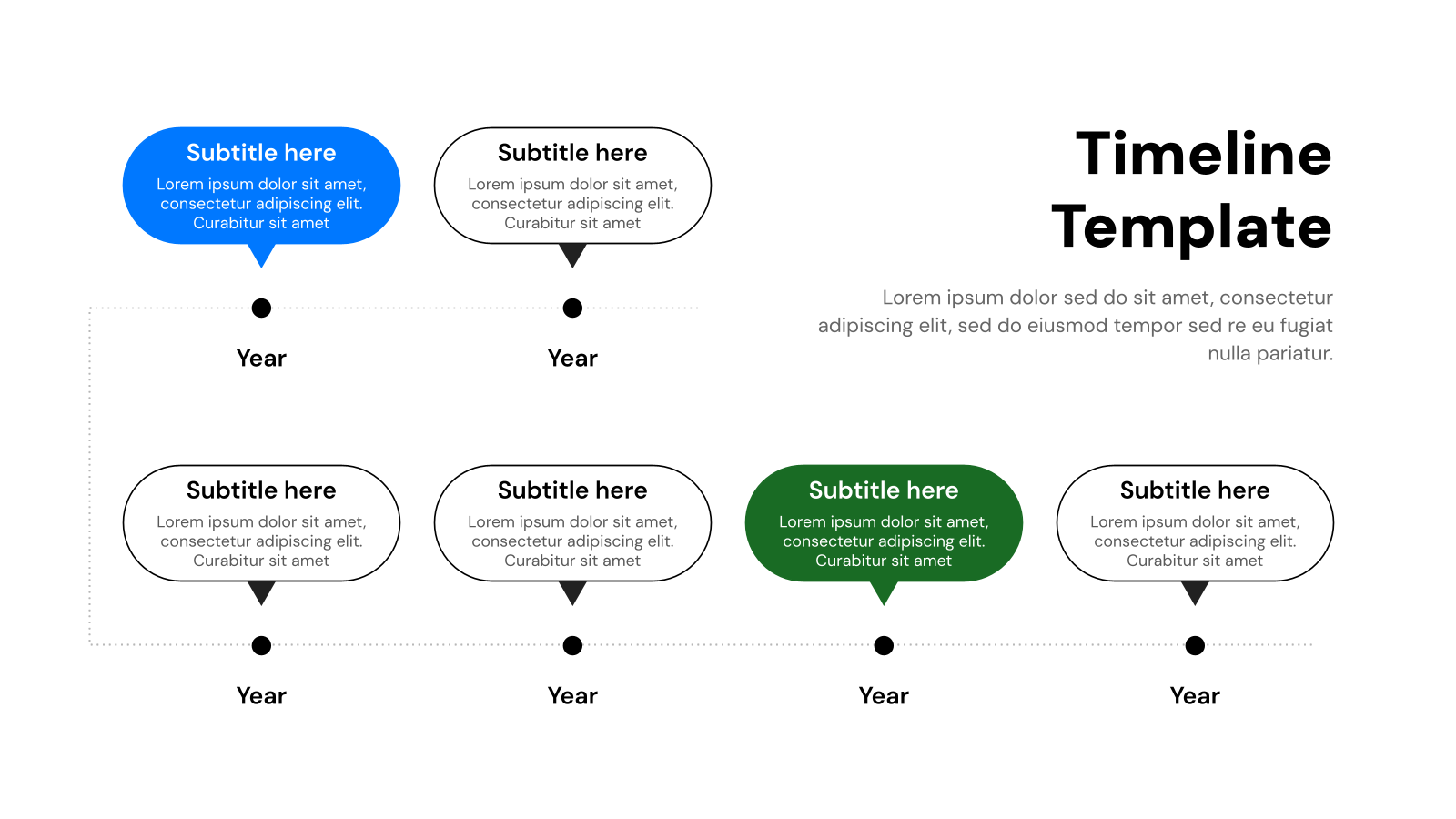
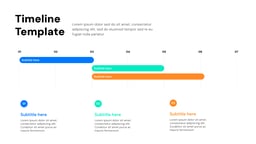
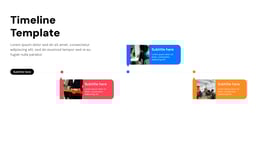
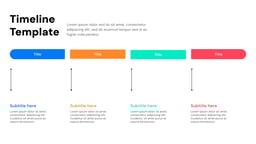
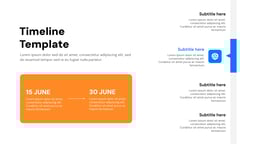
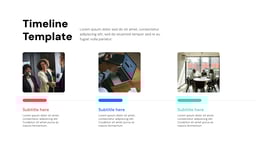
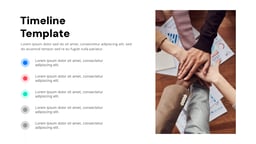
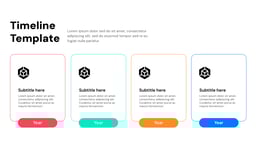
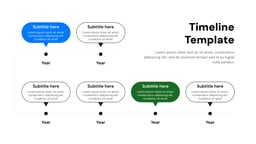
Timeline Presentation Templates are pre-designed slides used to show events, tasks, or milestones in a chronological order. They help present information in a clear and visual timeline format.
Application of Timeline Presentation Template
- Project Planning: Used to show project steps, deadlines, and progress over time. It helps teams stay organized and track tasks easily.
- Business Presentations: Helps present company growth, milestones, and future plans. It makes information easy to understand for clients and stakeholders.
- Historical Events: Used in education to explain events in a sequence. It helps students understand timelines clearly.
- Product Roadmaps: Shows product development stages and future updates. It helps teams and stakeholders stay aligned.
- Event Planning: Used to organize schedules and important event activities. It ensures smooth execution of tasks.
Create Presentations Easily in Google Slides and PowerPoint
14M+Installs
 Install add-in
Why Choose This Template for your next presentation?
- Clear Visual Structure: Presents information in a simple timeline format. It makes complex data easy to follow.
- Easy to Customize: Quickly edit dates, text, and design elements. No design skills are required.
- Professional Design: Clean and modern layouts improve presentation quality. It creates a strong impression.
- Saves Time: Ready-made slides help you create presentations faster. It reduces manual effort.
- Engaging Layouts: Visually appealing design keeps your audience interested. It improves understanding and retention.
How to Use Timeline Presentation Template?
- Microsoft Powerpoint: Click on Download > Click on “PowerPoint” > Click on the downloaded file to make a copy and start customizing/editing the template
- Google Slides: Click on Download > Click on “Google Slides” > Click on “Use Template” to make a copy and start customizing/editing the template
Build Stunning Slides in Seconds with AI
- No design skills required
- 3 presentations/month free
- Don't need to learn a new software

Frequently Asked Questions
Q: What are the benefits of using a timeline template?
A: The benefits of using a timeline template are listed below:
- Save Time: Start creating your presentation quickly with a pre-designed template.
- Organize Information: Present your timeline clearly and concisely.
- Enhance Visuals: Improve the visual appeal of your presentation.
Q: Is this template compatible with both Google Slides and PowerPoint?
A: Yes. This template can be used seamlessly with both Google Slides and PowerPoint.
Q: Can I customize the template to fit my brand?
A: Absolutely! You can edit the colors, fonts, and graphics to match your brand.
Q: Does this template offer different timeline styles?
A: Yes. The template includes a variety of timeline styles to choose from (specific examples listed during download).
Q: What file format is the template available in?
A: The template is available in .pptx format, compatible with PowerPoint and easily importable to Google Slides.
Q: Do I need any special software to use the template?
A: No. You will need either Microsoft PowerPoint or Google Slides (a free online presentation tool).