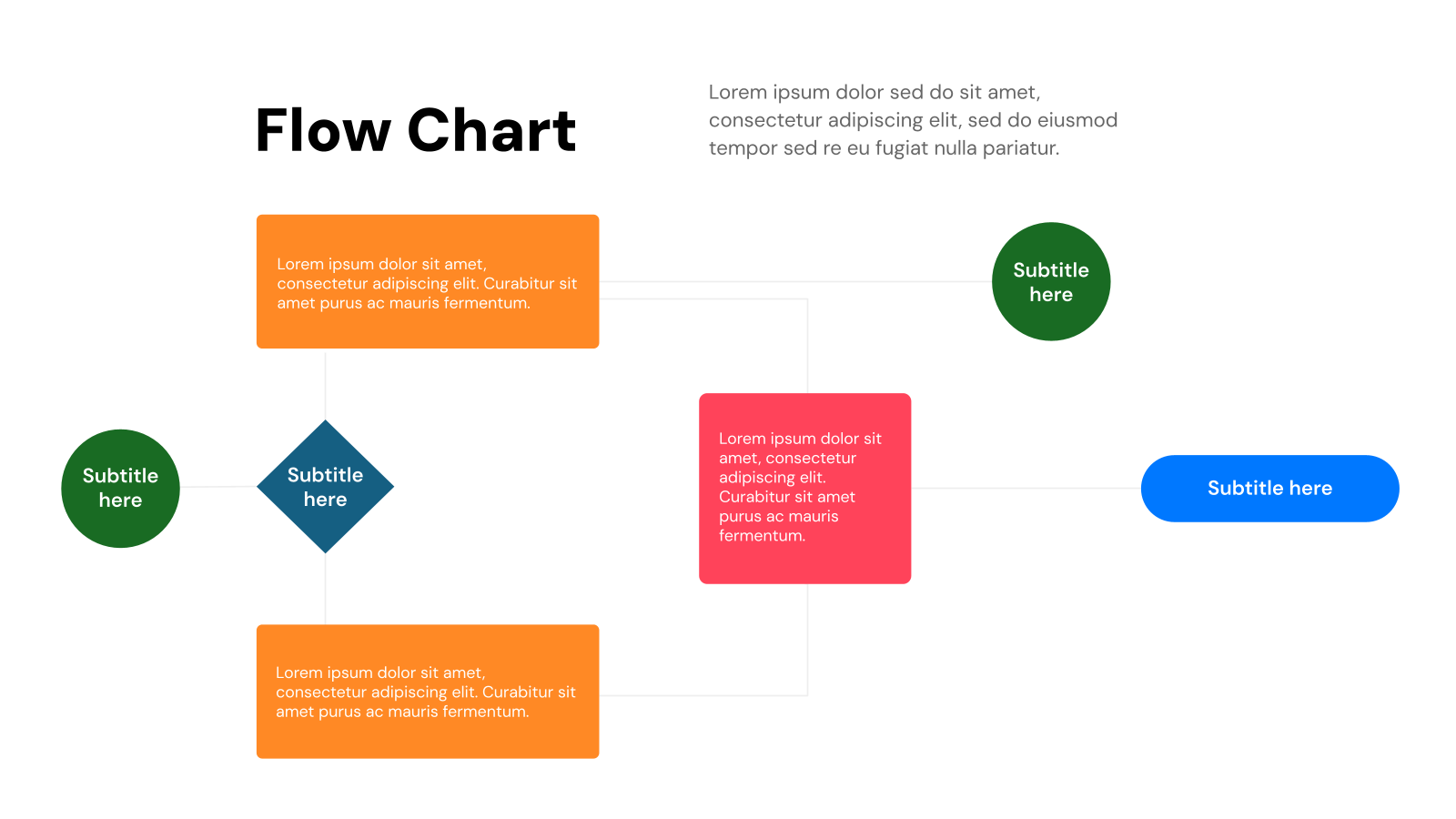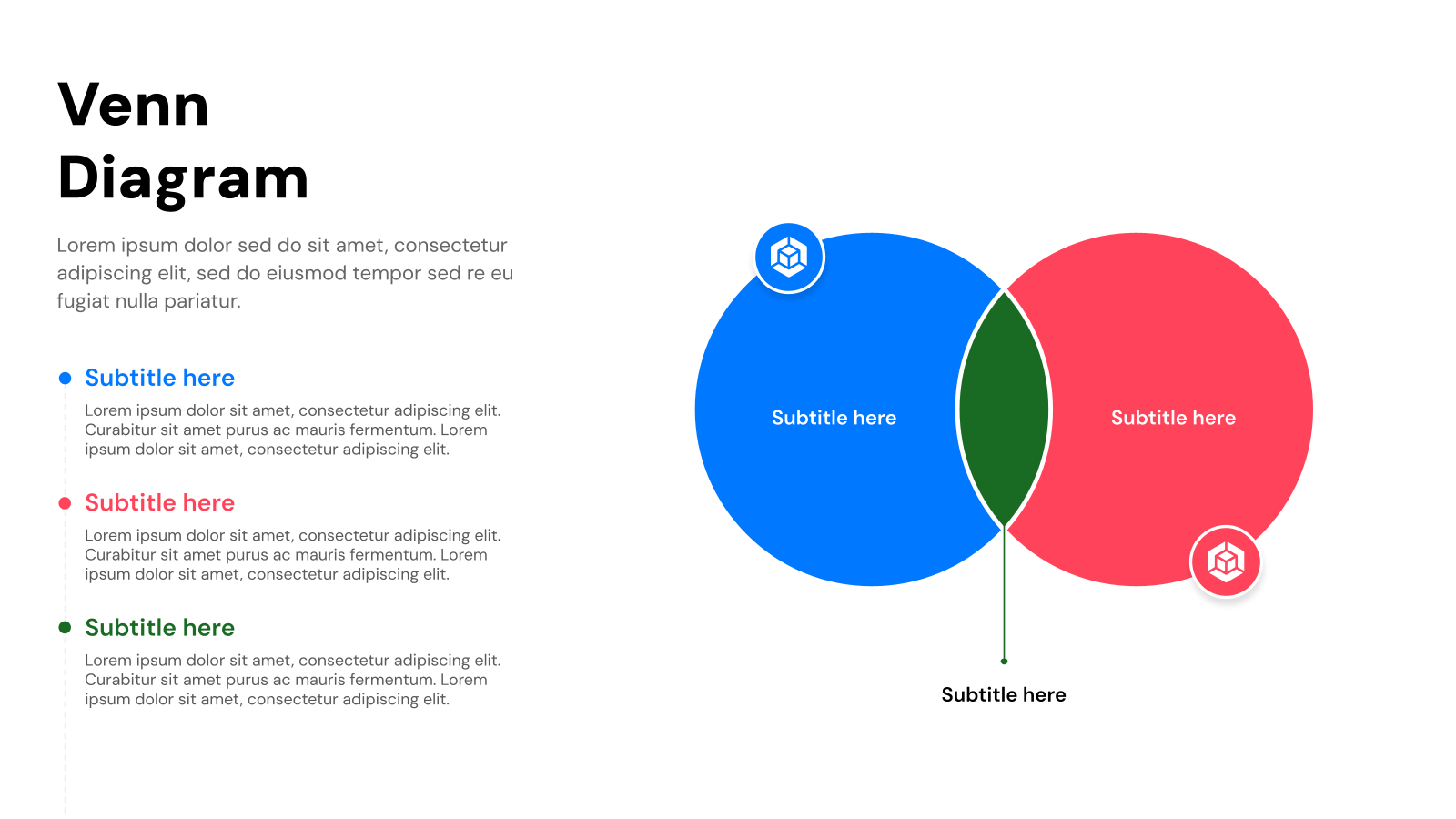
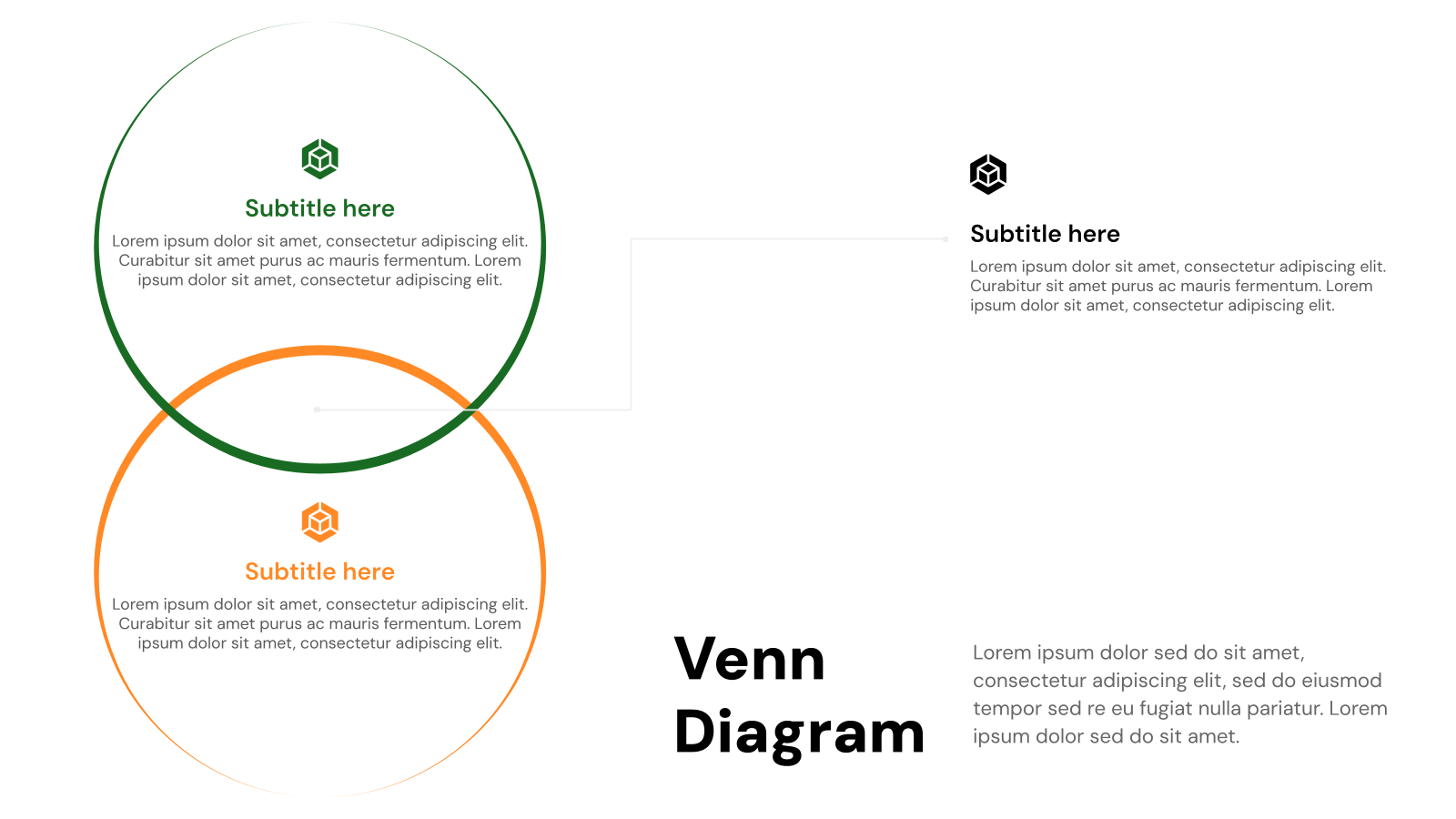
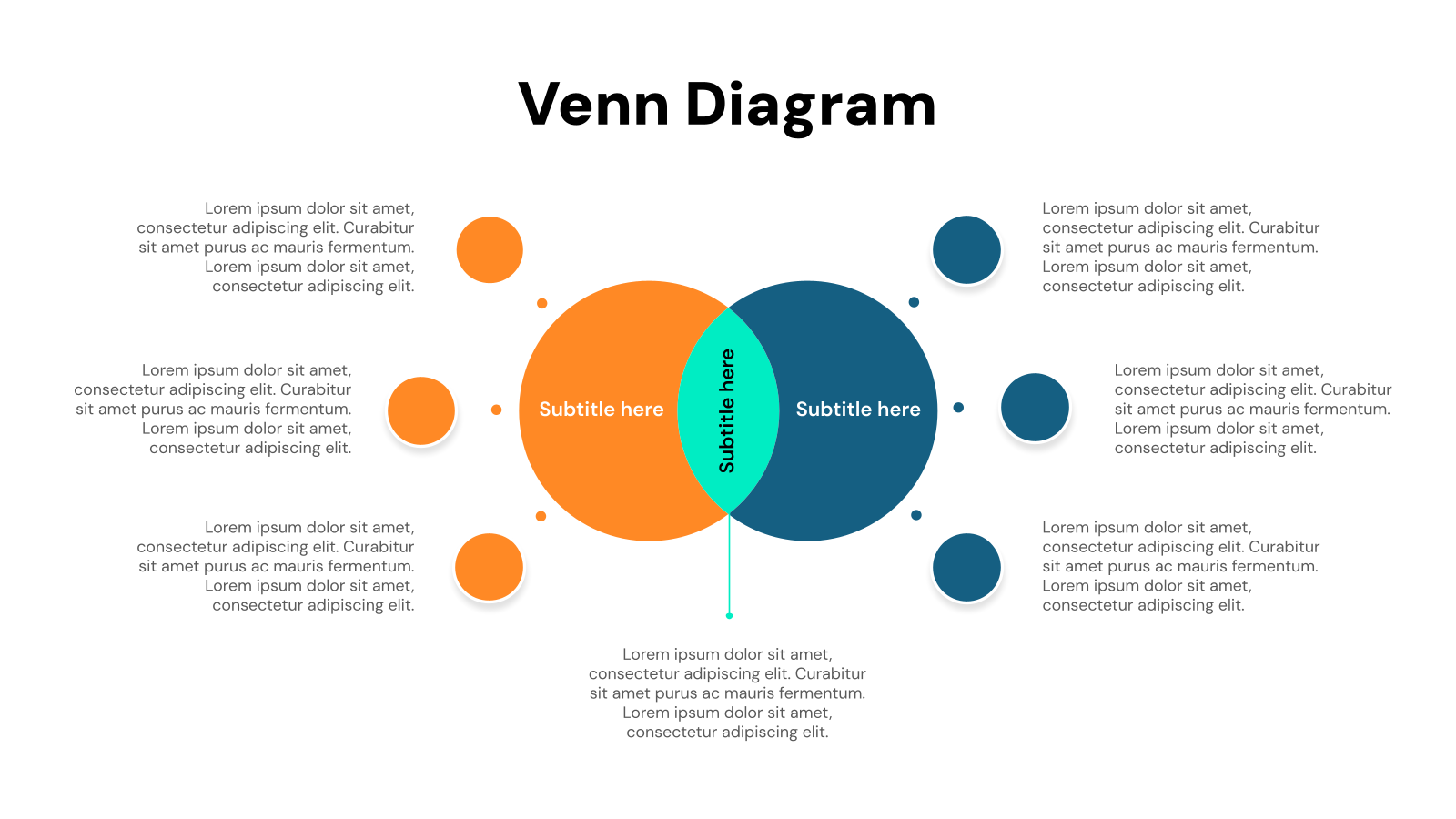
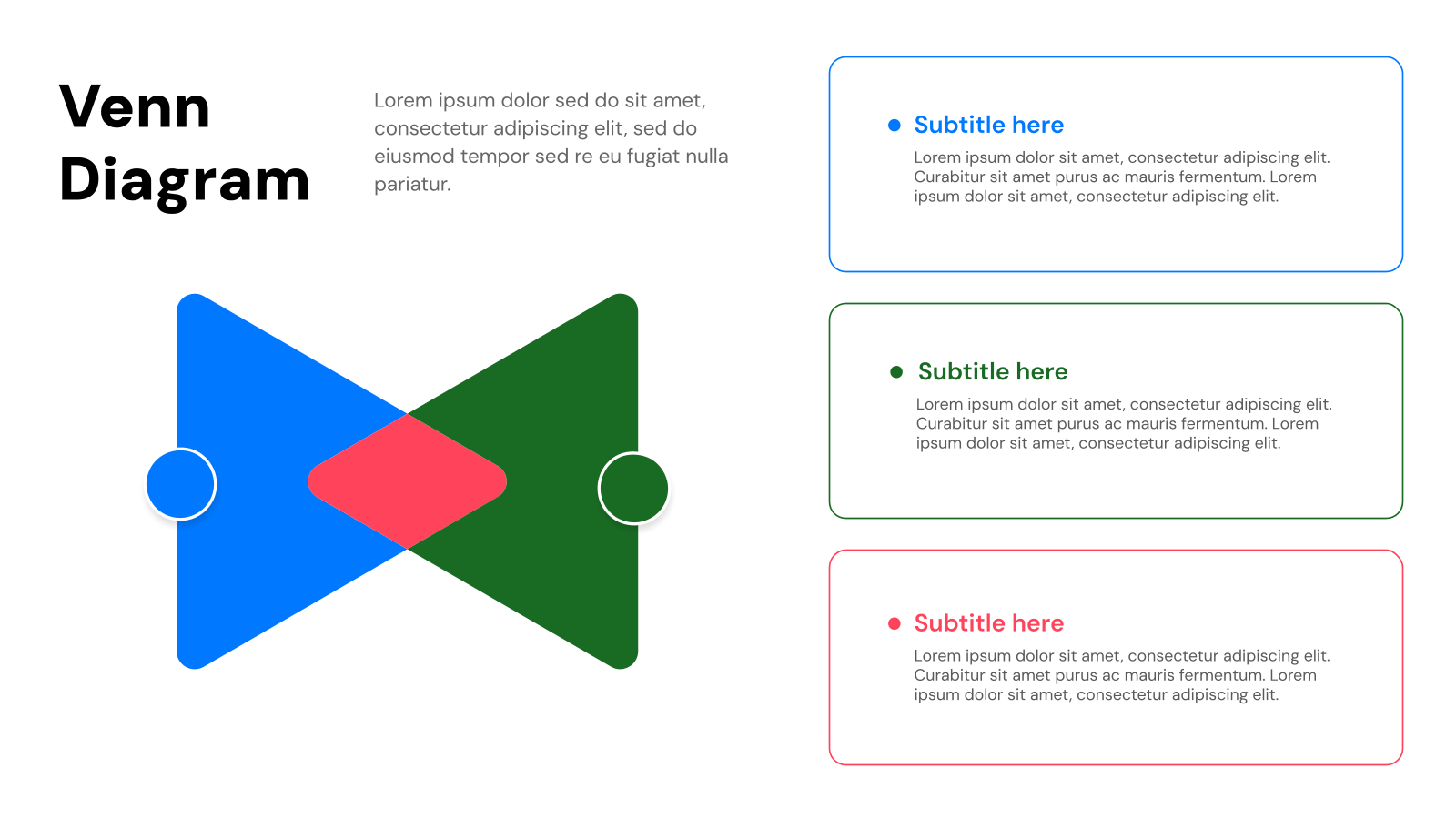
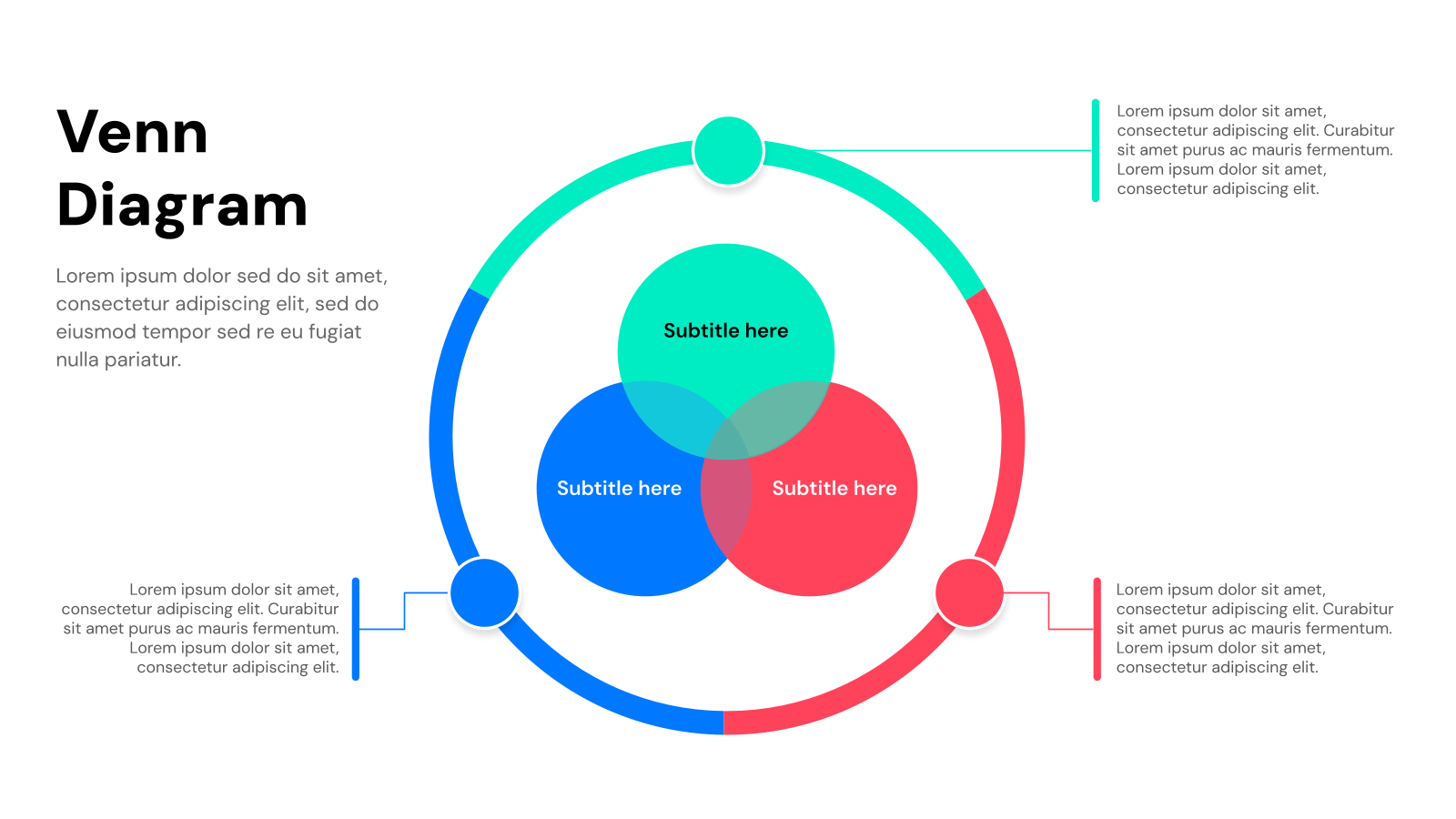
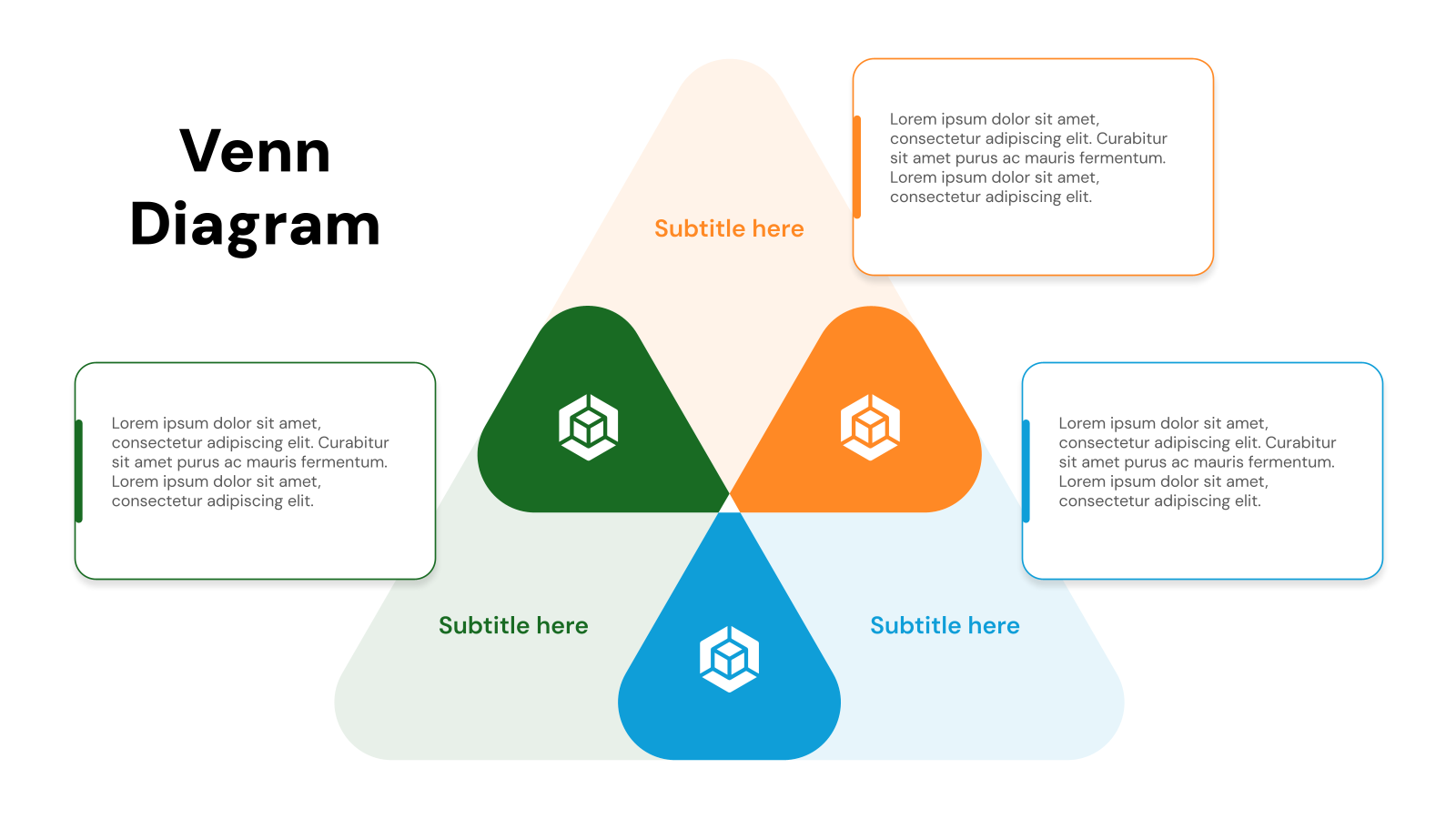
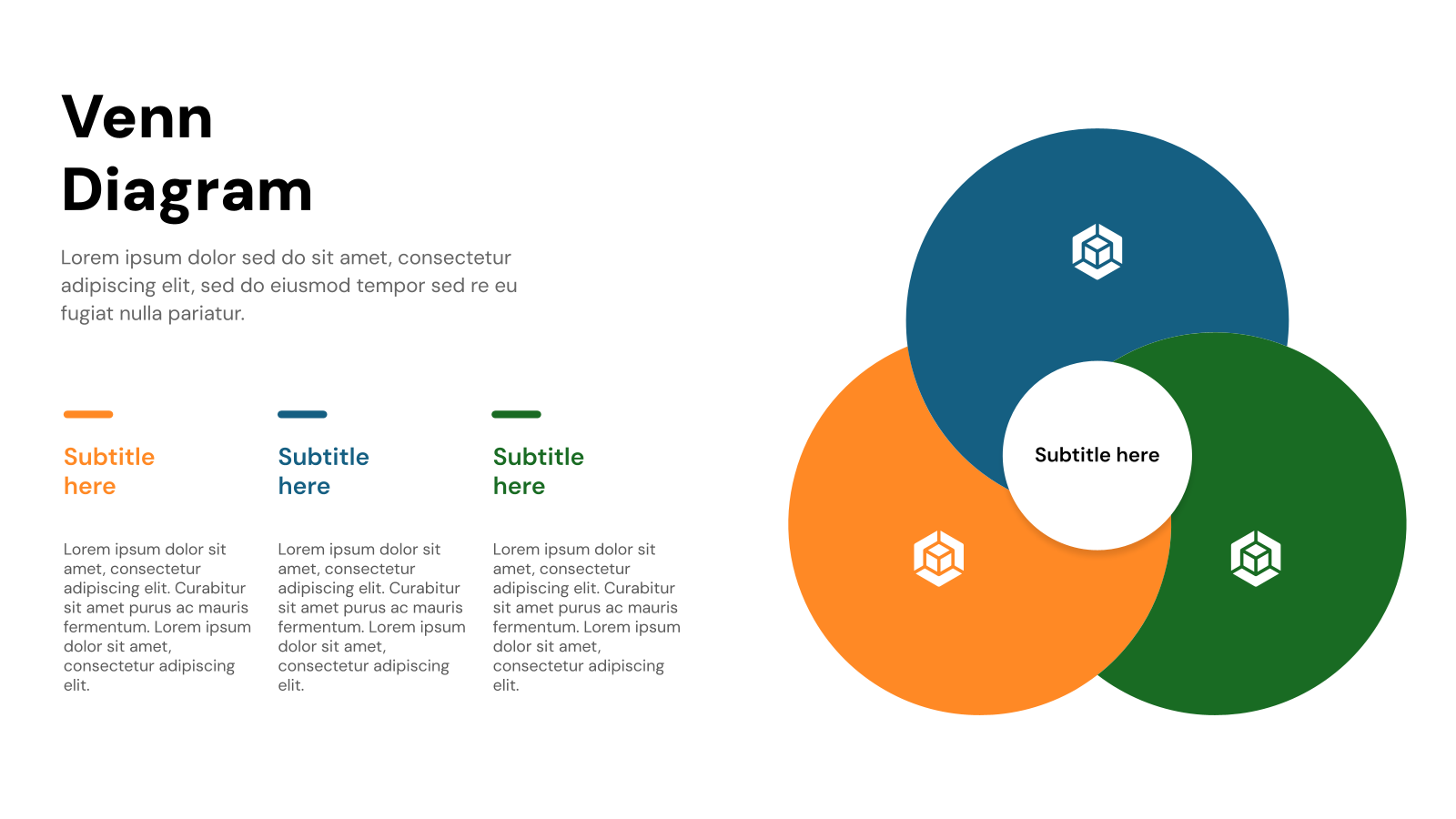
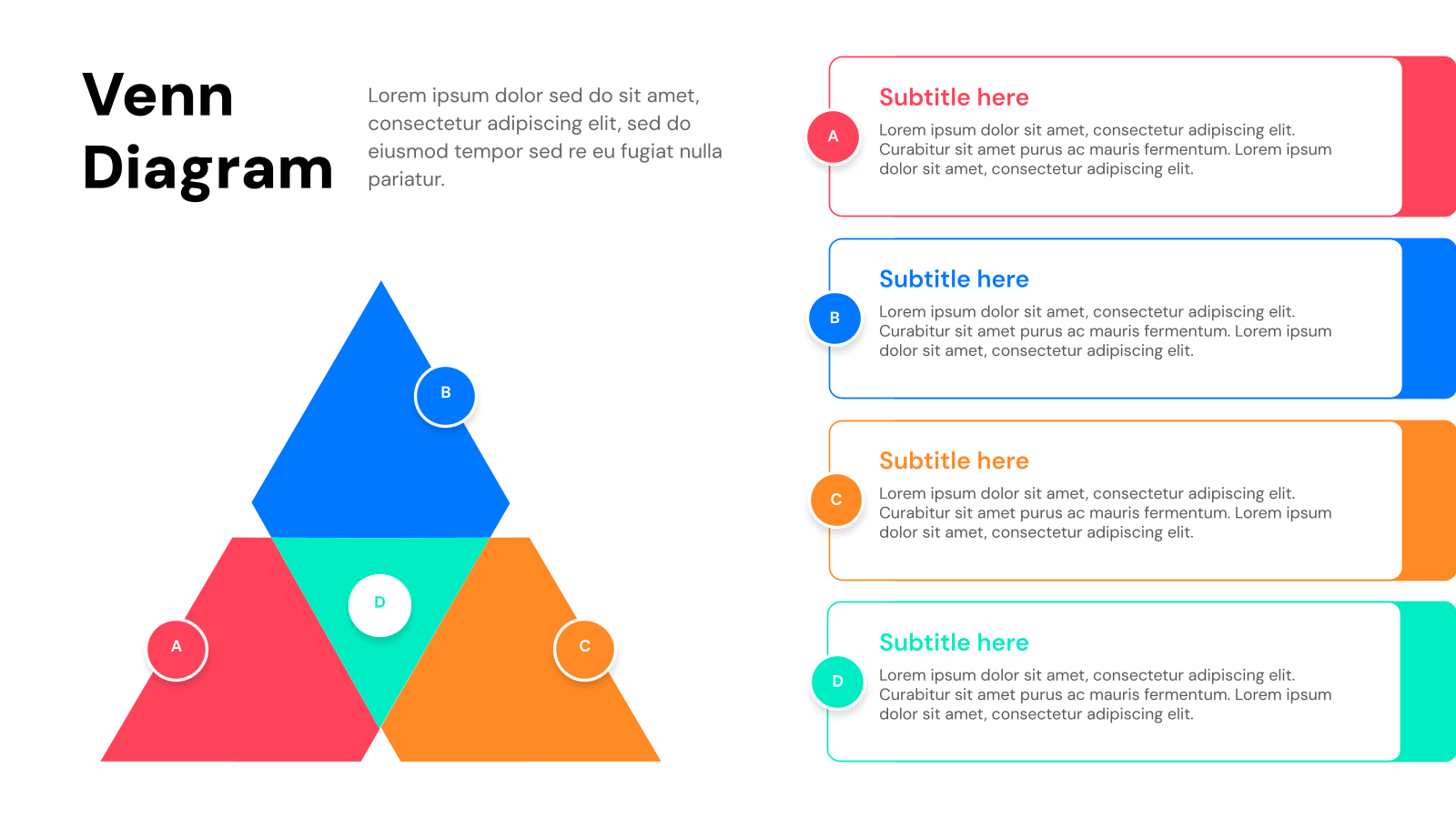
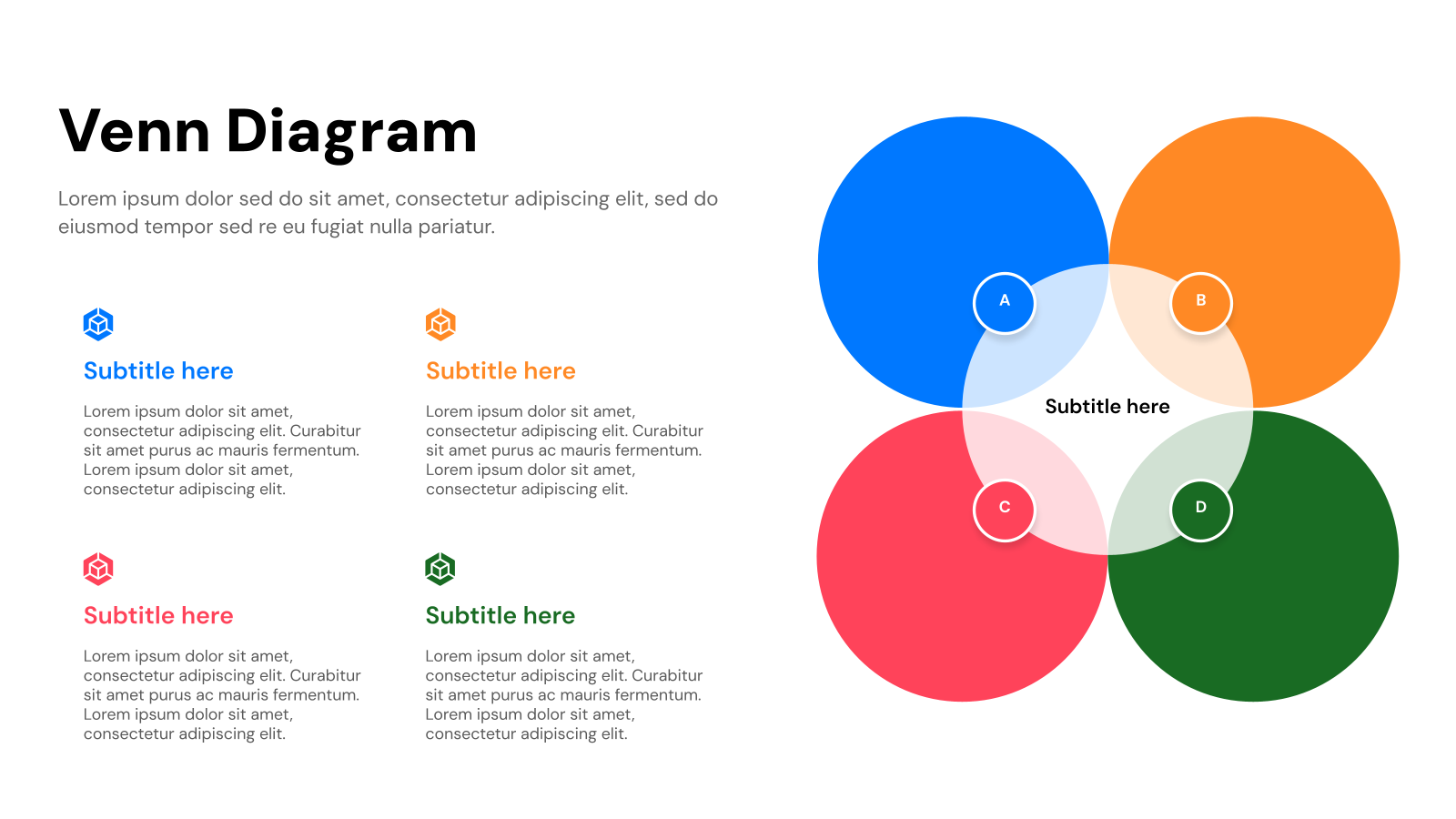
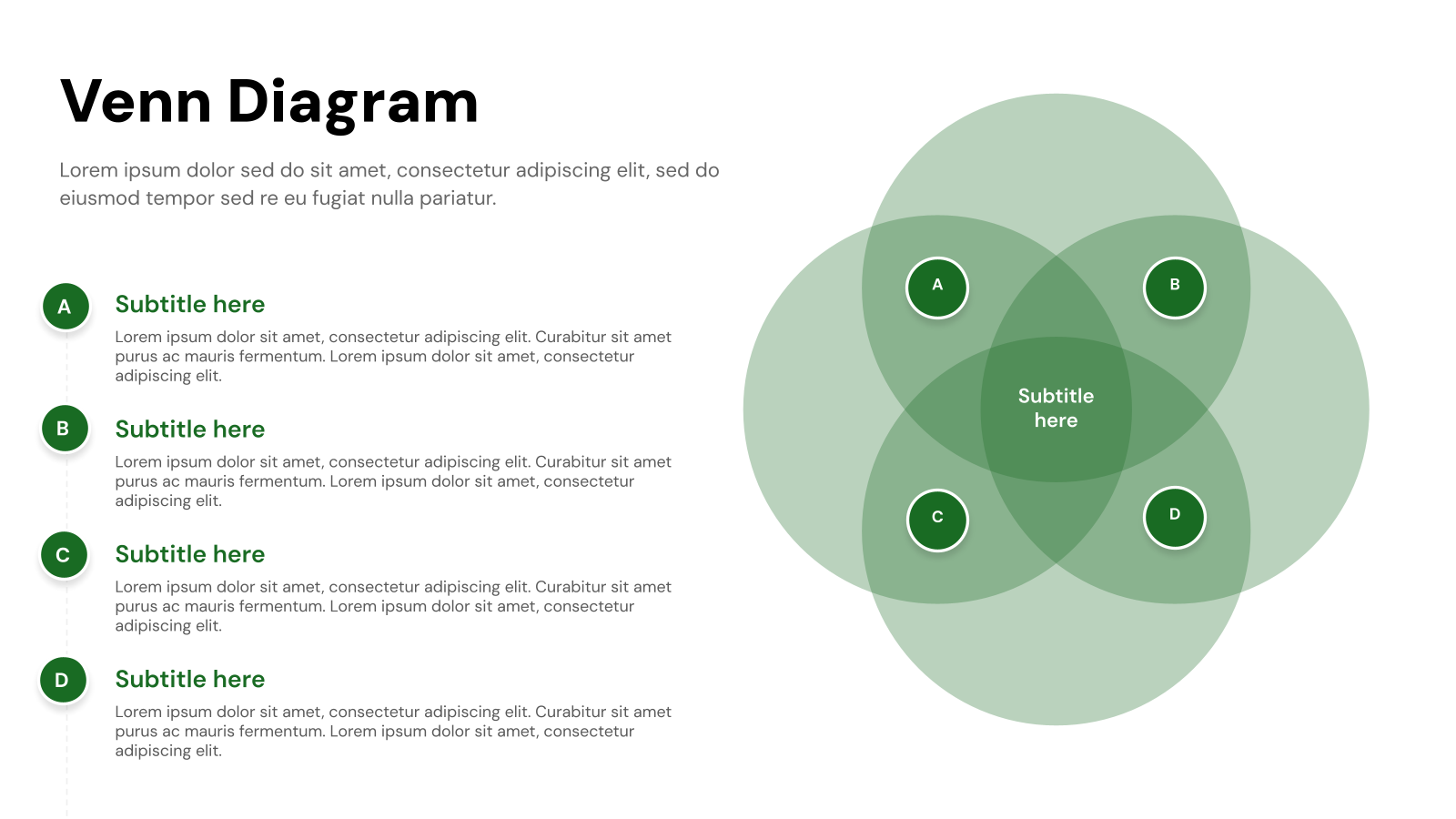
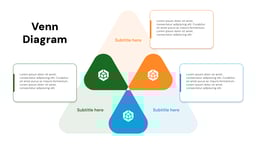
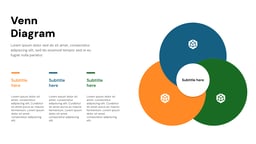
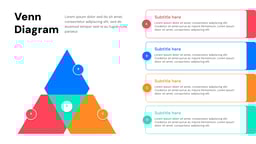
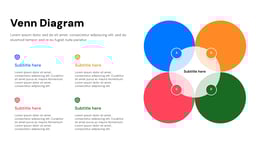
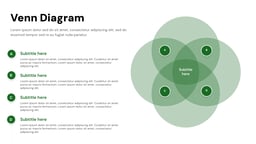
What is the Venn Diagram Template?
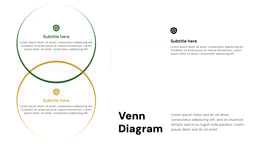
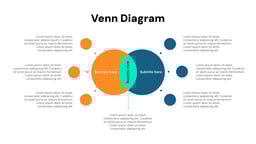
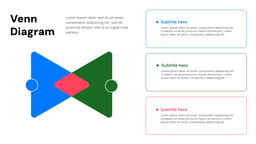
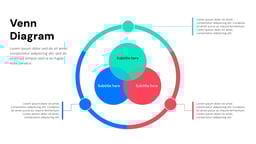
A Venn Diagram Template is a simple visual tool used in presentations to show how different ideas or groups are connected. It was introduced by John Venn in 1880 to help organize information in a clear and structured way.
It uses overlapping circles to display similarities and differences between two or more things. This makes it easier to understand complex information, compare ideas, and make better decisions quickly.
Create Presentations Easily in Google Slides and PowerPoint
14M+Installs
 Install add-in
Where Can You Use This Template?
While you must have heard and used Venn diagrams before during your school days, these are not just overlapping circles. In real life as well, you can make great use of the Venn diagram templates. Here are some ways to do that:
- Data Comparison: With the help of a Venn diagram template, you can easily spot what is common and what is unique between multiple data sets without getting lost in numbers and text.
- Concept Relationships: Whether you are brainstorming ideas or trying to understand how different concepts are linked, Venn diagrams help visualize connections, making complex topics easier to grasp.
- Market Analysis: Businesses use Venn diagrams to see where different customer groups overlap, helping them fine-tune their strategies and target the right audience more effectively.
- Team Collaboration: Working on a group project? A Venn diagram helps map out everyone’s roles and responsibilities, showing where tasks overlap and making teamwork smoother.
- Strategic Planning: When planning goals and resources, Venn diagrams highlight where things align and where there are gaps, helping teams make better decisions and stay on track.
Why Choose This Template?
- Pre-Designed Slides: Save significant time by starting with pre-built templates instead of designing each slide from scratch. This allows you to focus on refining your content and message.
- Customization Freedom: While templates offer a strong starting point, SlidesAI templates allow for full customization of layouts, fonts, colors, and content to match your specific needs and brand identity.
- AI-Powered: Leverage AI to instantly edit and customize slides based on your content (on Google Slides). Simply input your text outline or key points, and SlidesAI will create visually appealing slides with appropriate layouts, fonts, and images.
- Style Consistency: Maintain a consistent visual style throughout your presentation with pre-defined themes and color palettes within the templates.
- Professional Look: SlidesAI’s templates ensure a polished and professional look compared to presentations built from scratch, even for non-designers.
How to Use These Venn Diagram Templates?
- Microsoft PowerPoint: Click on Download > Click on “PowerPoint” > Click on the downloaded file to make a copy and start customizing/editing the template
- Google Slides: Click on Download > Click on “Google Slides” > Click on “Use Template” to make a copy and start customizing/editing the template
Create presentations in seconds. Enter text and SlidesAI creates customizable slides based on that text in seconds that go well with all our templates too
Build Stunning Slides in Seconds with AI
- No design skills required
- 3 presentations/month free
- Don't need to learn a new software

Frequently Asked Questions About Venn Diagram Template
Can I use Venn diagrams for business presentations?
Yes, Venn diagrams are useful for business presentations as they visually compare strategies, products, or market segments clearly and engagingly.
Can I customize the colors in a Venn diagram template?
Yes, you can modify the circle and overlap colors to match your presentation’s design.
How can I make the overlapping areas clearer in my Venn diagram?
Increase transparency or use contrasting colors to highlight overlapping sections effectively.
What are the five types of Venn diagrams?
Here are five common types of Venn diagrams:
- Two-Circle Venn Diagram: Compares two sets with a single overlap.
- Three-Circle Venn Diagram: Illustrates relationships among three sets.
- Four-Circle Venn Diagram: Represents four sets with multiple overlaps.
- Universal Set Venn Diagram: Features a rectangle to include the universal set.
- Euler Diagram: Similar to a Venn diagram but may include non-overlapping sets.