Collaboration Slides Sharing

How to Present a Google Slides in Google Meet?

How to Present a Google Slides in Google Meet?

Virtual meetings are now a part of daily work. And if you’re the presenter, you may understand the struggles of screen-sharing, such as lagging animations, some errors, and timing issues where slides may not appear properly during meetings. And the worst one – presenting Google Slides in a Google Meet call while dealing with technical problems!

How To Do a Laser Pointer on Google Slides?

How To Do a Laser Pointer on Google Slides?

Presenting on Google Slides becomes more engaging when you can guide your audience’s focus effectively. The built-in laser pointer lets you highlight key points in

How To Export Google Slides to Canva?

How To Export Google Slides to Canva?

Creating strong visuals can transform your presentations from flat to attention-grabbing. By learning how to export Google Slides to Canva, you can easily import your

How to Record a Presentation on Google Slides?

How to Record a Presentation on Google Slides?

Do you need to record your Google Slides presentation with your voice or webcam? While Google Slides doesn’t offer built-in recording, there are easy ways to capture both your slides and narration using tools like Tella, Riverside, Zoom, or Loom.

How to Convert Google Docs to Google Slides?

How to Convert Google Docs to Google Slides?

Converting a document into a presentation is one of the most common productivity tasks today. Whether you’re a student preparing a class presentation, a professional creating a pitch, or a teacher summarizing lessons, turning content from Google Docs into Google Slides can save time and improve clarity.

How to Convert PDF to Google Slides?

How to Convert PDF to Google Slides?

Creating engaging presentations is important for effective communication. Google Slides is a widely used tool known for its collaborative features and accessibility. But what if you already have a presentation in PDF format? This guide will show you how to smoothly convert your PDF into Google Slides, ensuring your presentations remain dynamic and easy to work on together.

How to Convert Canva to Google Slides Without Losing Formatting

How to Convert Canva to Google Slides Without Losing Formatting

Have you created a stunning presentation in Canva but now need to move it to Google Slides? Don’t worry, converting your masterpiece is easier than you think!

How to View Edit History in Google Slides?

How to View Edit History in Google Slides?

Knowing how to open edit history in Google Slides is helpful when working on a presentation with your team. It allows you to track changes made by each member, ensuring all updates are transparent and keeping everyone on the same page during the collaboration process.

How to Put Google Slides onto USB Drives

How to Put Google Slides onto USB Drives

Ever wanted to take your Google Slides presentations with you, no matter where you go? Putting your slides onto a USB drive is a great way to have them accessible offline, keep them safe, and easily share them with others. In this blog post, we’ll walk you through the step-by-step process of exporting your Google Slides presentations to a USB drive. Whether you’re a student, a professional, or simply someone who wants to have their presentations handy, this guide will show you how to do it easily.

How to Add Comments on Google Slides?

How to Add Comments on Google Slides?

Google Slides allows you to collaborate easily with others on presentations, and one helpful feature is the ability to add comments. Comments are notes you can leave for yourself or others, helping to highlight suggestions, ask questions, or provide feedback. Using comments in Google Slides is a great way to enhance teamwork and communication, especially when multiple people are working on the same slide deck. This blog will guide you through the steps to add comments, so you can effectively share your thoughts and improve your presentations together.

How to Print Multiple Slides on One Page in Google Slides?

How to Print Multiple Slides on One Page in Google Slides?

When preparing for a presentation, it’s often helpful to provide your audience with handouts that they can refer to during your talk. These handouts can

How to Make a Google Slideshow Run Automatically?

How to Make a Google Slideshow Run Automatically?

Google Slides is a popular choice for creating presentations these days. It’s easy to use and lets you build, edit, and show slideshows that grab people’s attention. One way to make your presentations even more engaging is to set them to play automatically. This can keep things moving smoothly for your audience.

How to Convert Keynote to Google Slides?

How to Convert Keynote to Google Slides?

Thinking about switching from Keynote to Google Slides but worried about your presentations? Don’t worry, you’ve come to the right place! Converting presentations from Keynote to Google Slides might seem a bit tricky at first, but it’s actually quite simple once you know the steps.

How To Save Google Slides as PDF?

How To Save Google Slides as PDF?

Google Slides is a popular choice for presentations these days, offering a handy alternative to programs like PowerPoint. With its cloud storage, you can easily work on presentations with others, access them from any device, and never lose your work thanks to automatic saving. But when it comes to sharing your finished presentation, converting it to a PDF can be a great option.

How to Print Google Slides with Notes (Step-by-Step Guide)

How to Print Google Slides with Notes (Step-by-Step Guide)

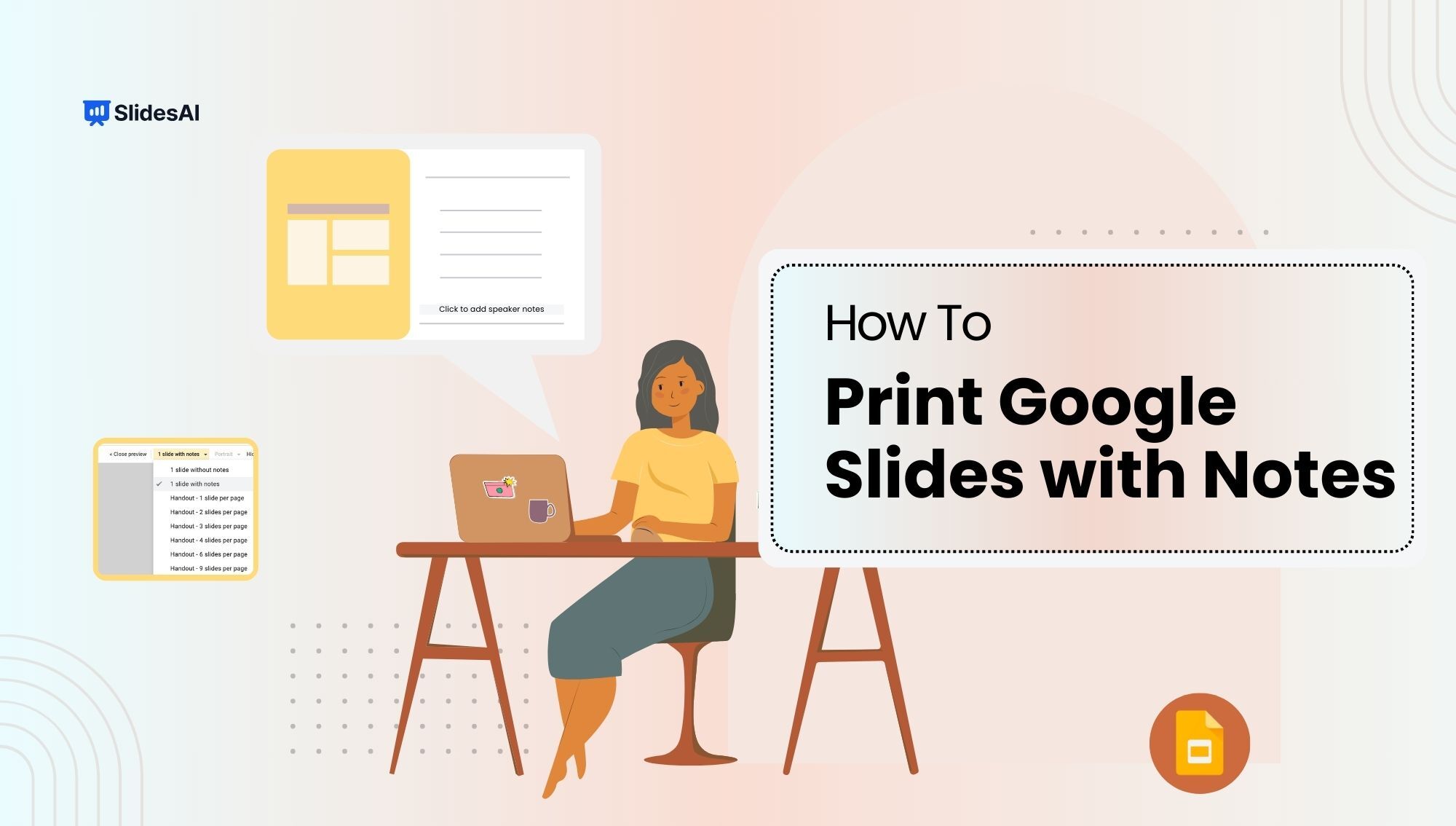
To print Google Slides with notes, go to File > Print settings and preview, then choose “1 slide with notes” from the layout dropdown. Each

How to Turn Google Slides into a Video: 6 Easy Methods

How to Turn Google Slides into a Video: 6 Easy Methods

Using slides for presentations is a popular choice. However, if you don’t plan on giving the presentation live more than once, converting it into a video might be a better option. This way, you can add your voice to the presentation, and viewers won’t have to manually click through each slide.

How to Convert Google Slides to PowerPoint?

How to Convert Google Slides to PowerPoint?

To convert Google Slides to PowerPoint, open your presentation, click on File in the top menu, select Download, and choose Microsoft PowerPoint (.pptx). The file

How To Convert PowerPoint to Google Slides: Step-by-Step Tutorial

How To Convert PowerPoint to Google Slides: Step-by-Step Tutorial

Often, it has happened that you want to open an old PowerPoint file, unfortunately, it is no longer supported on your computer. You can make