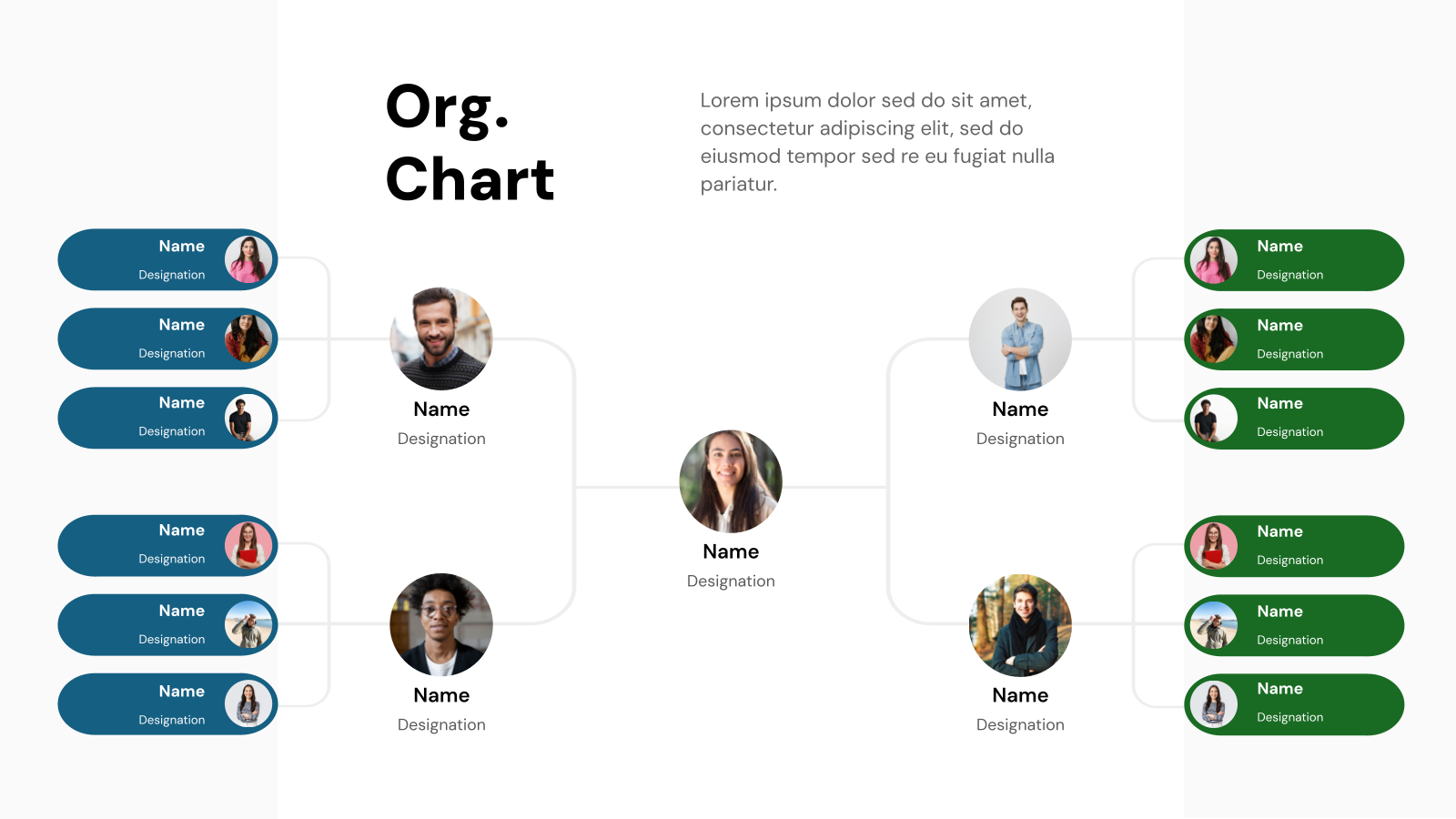
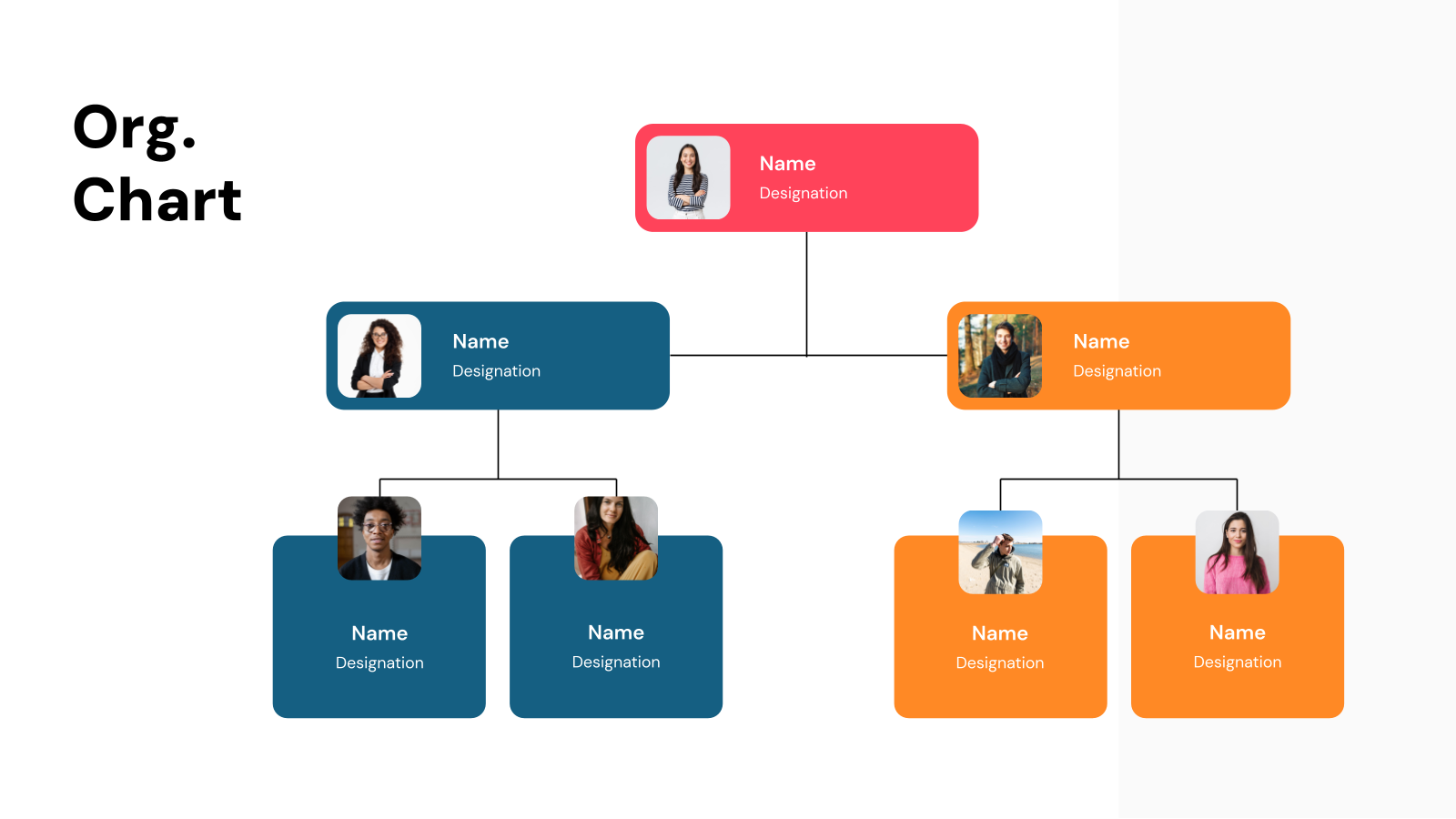
What are Organizational Chart Templates?
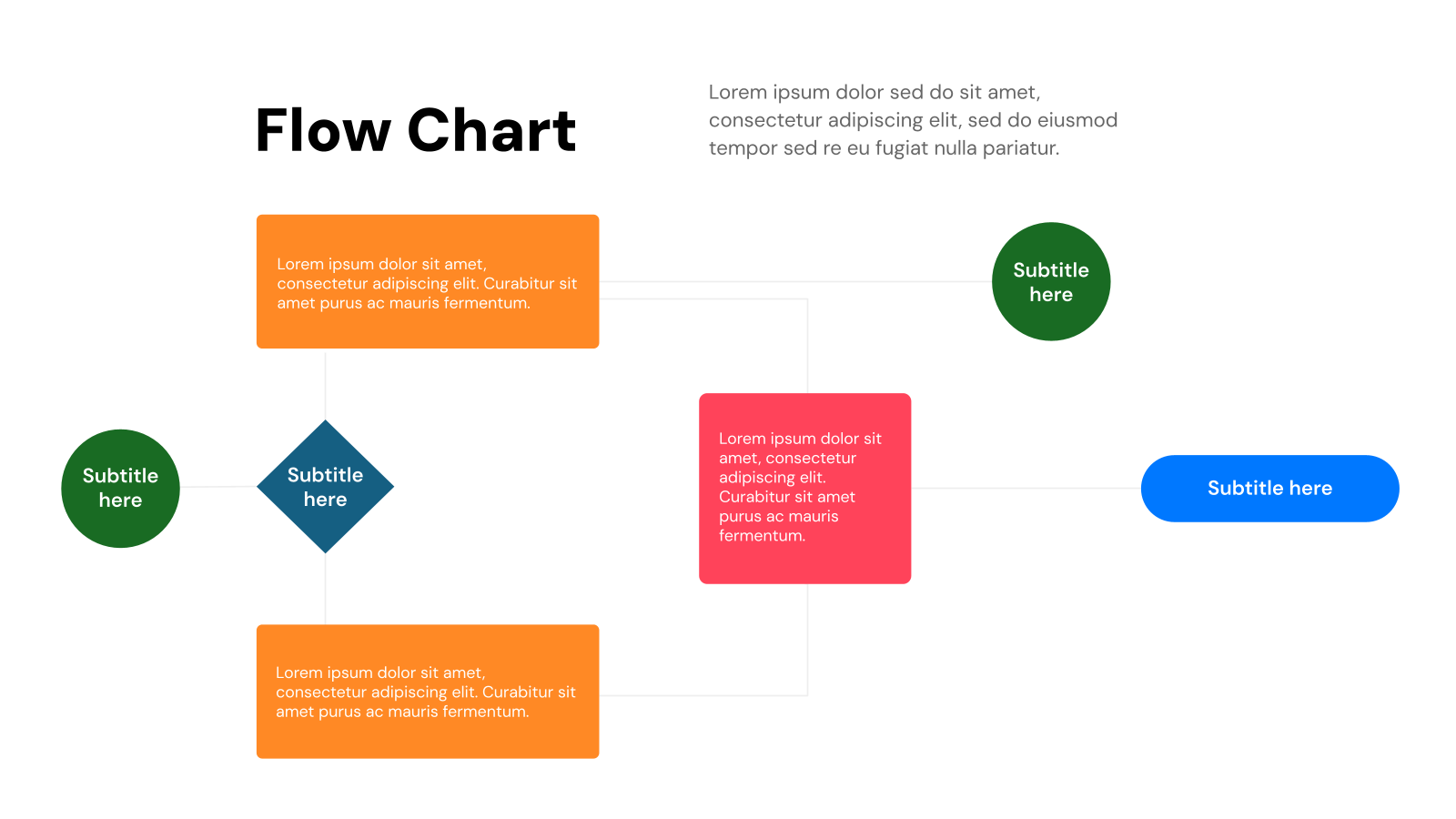
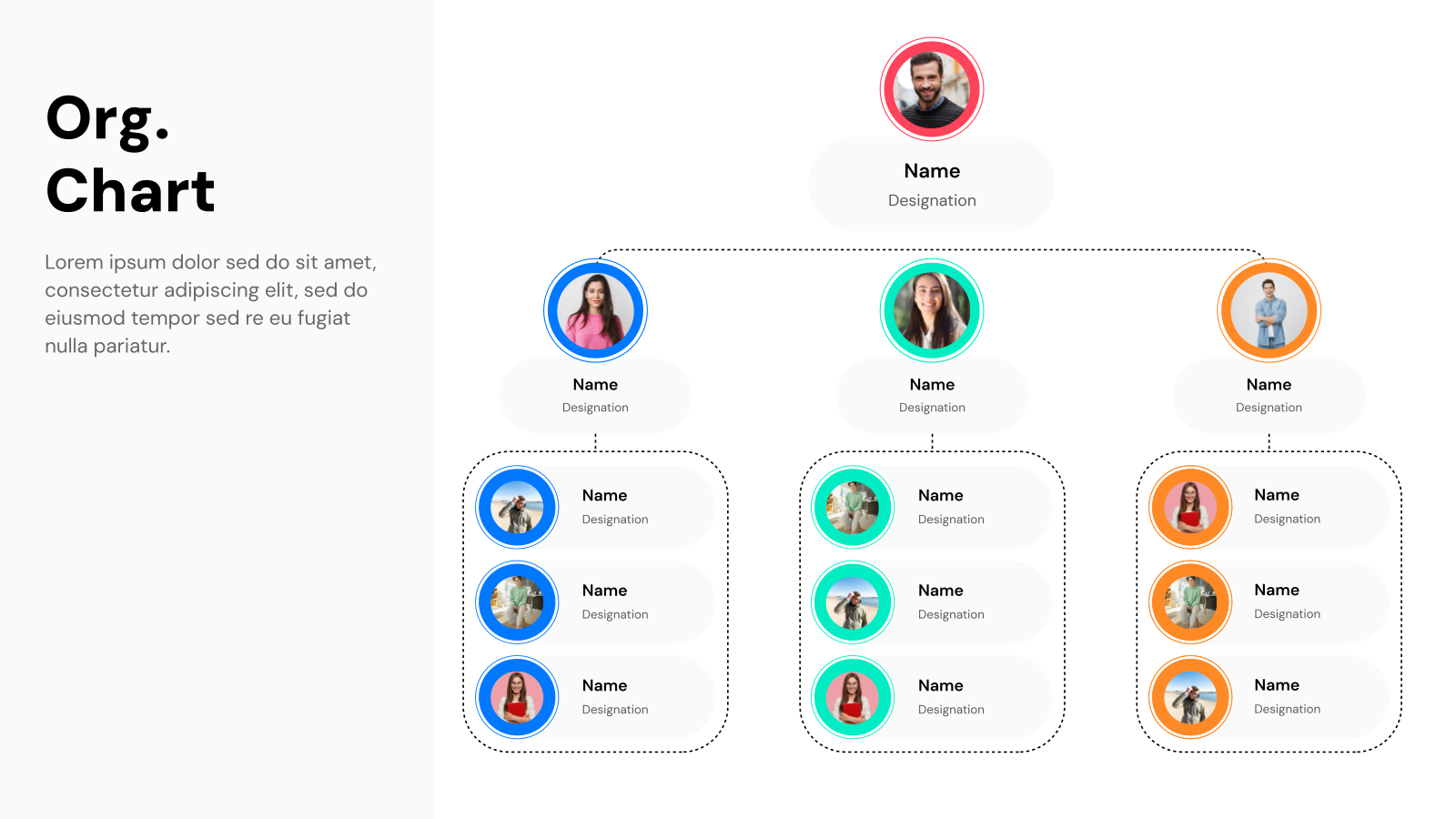
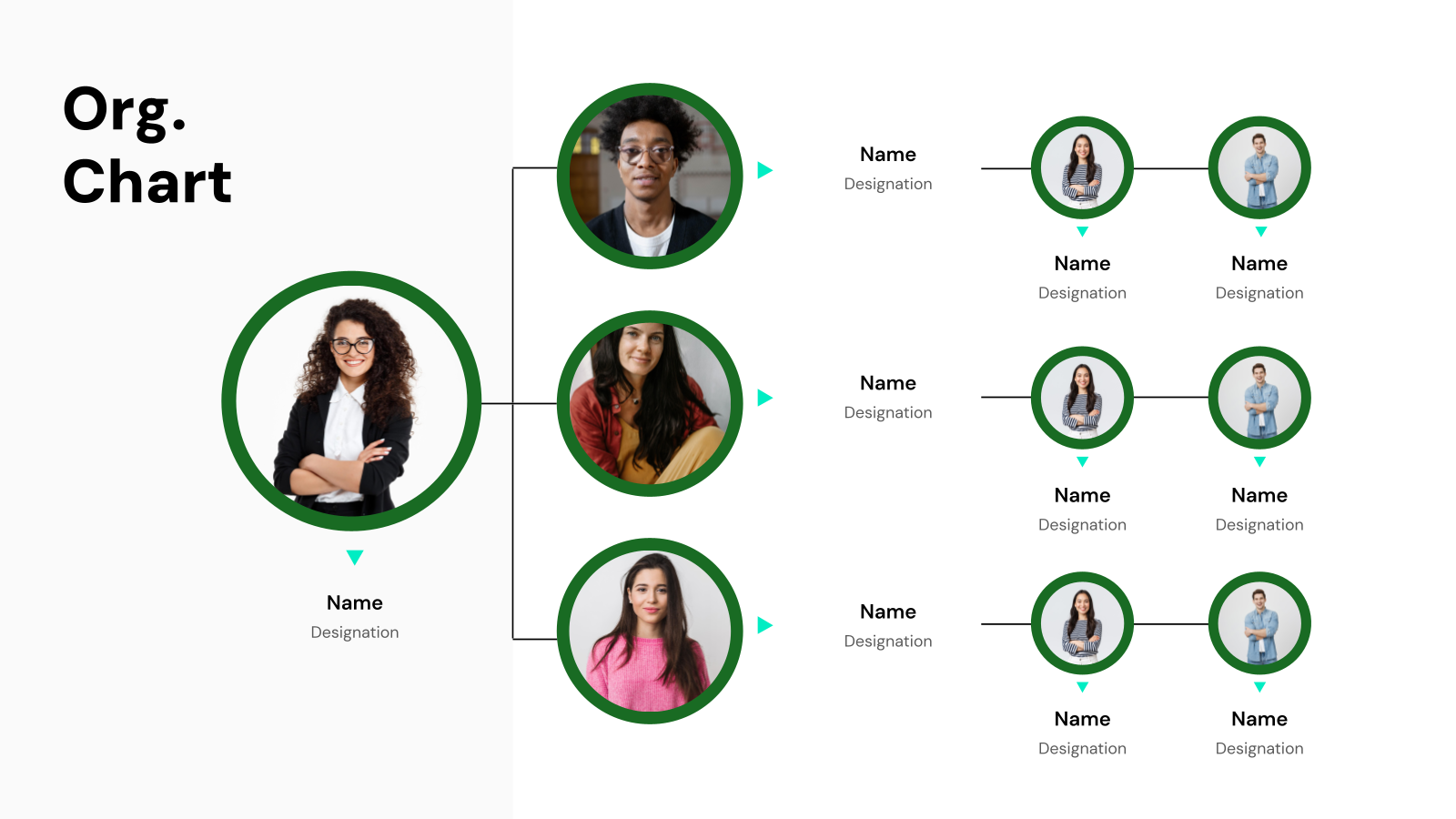
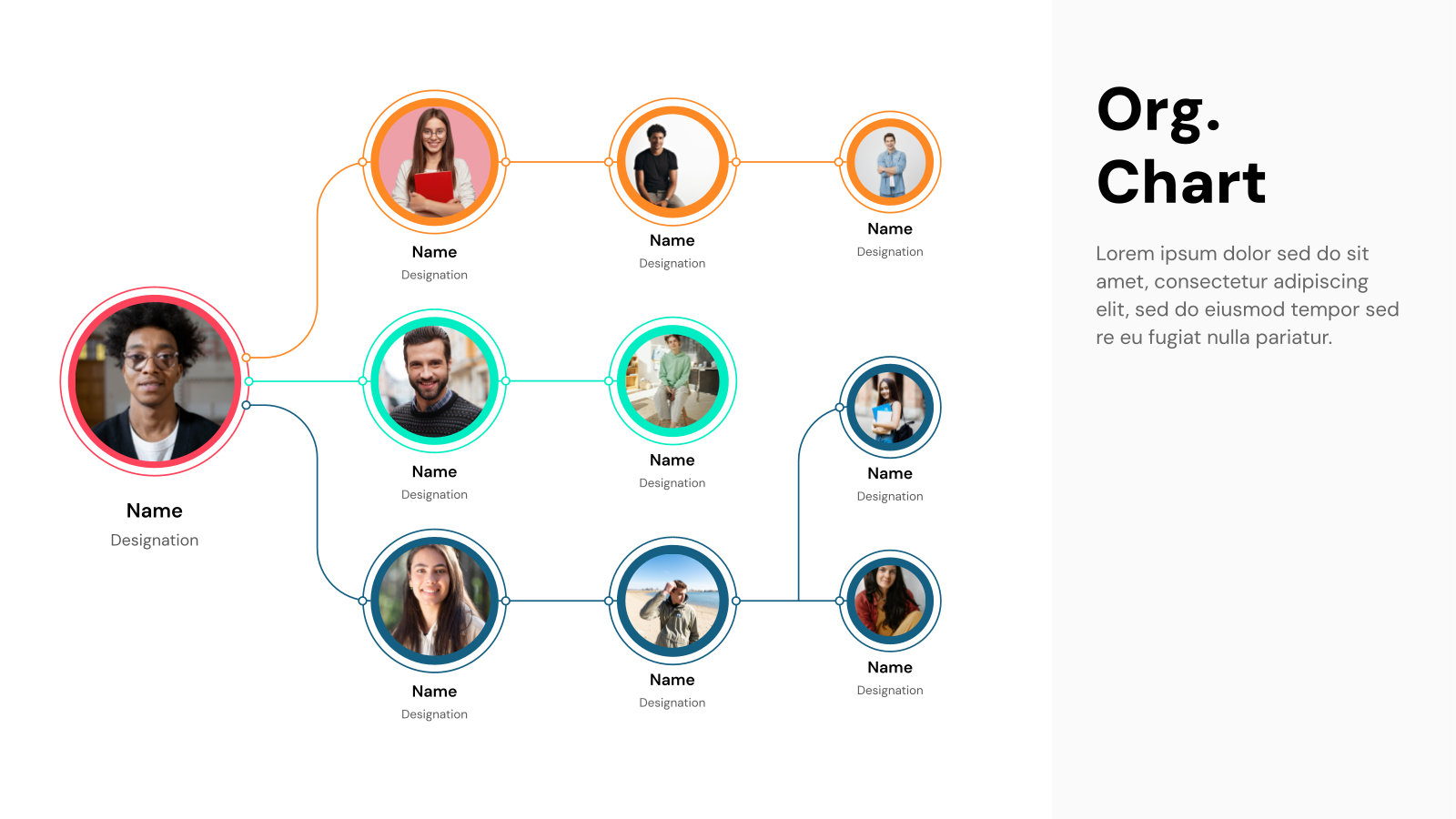
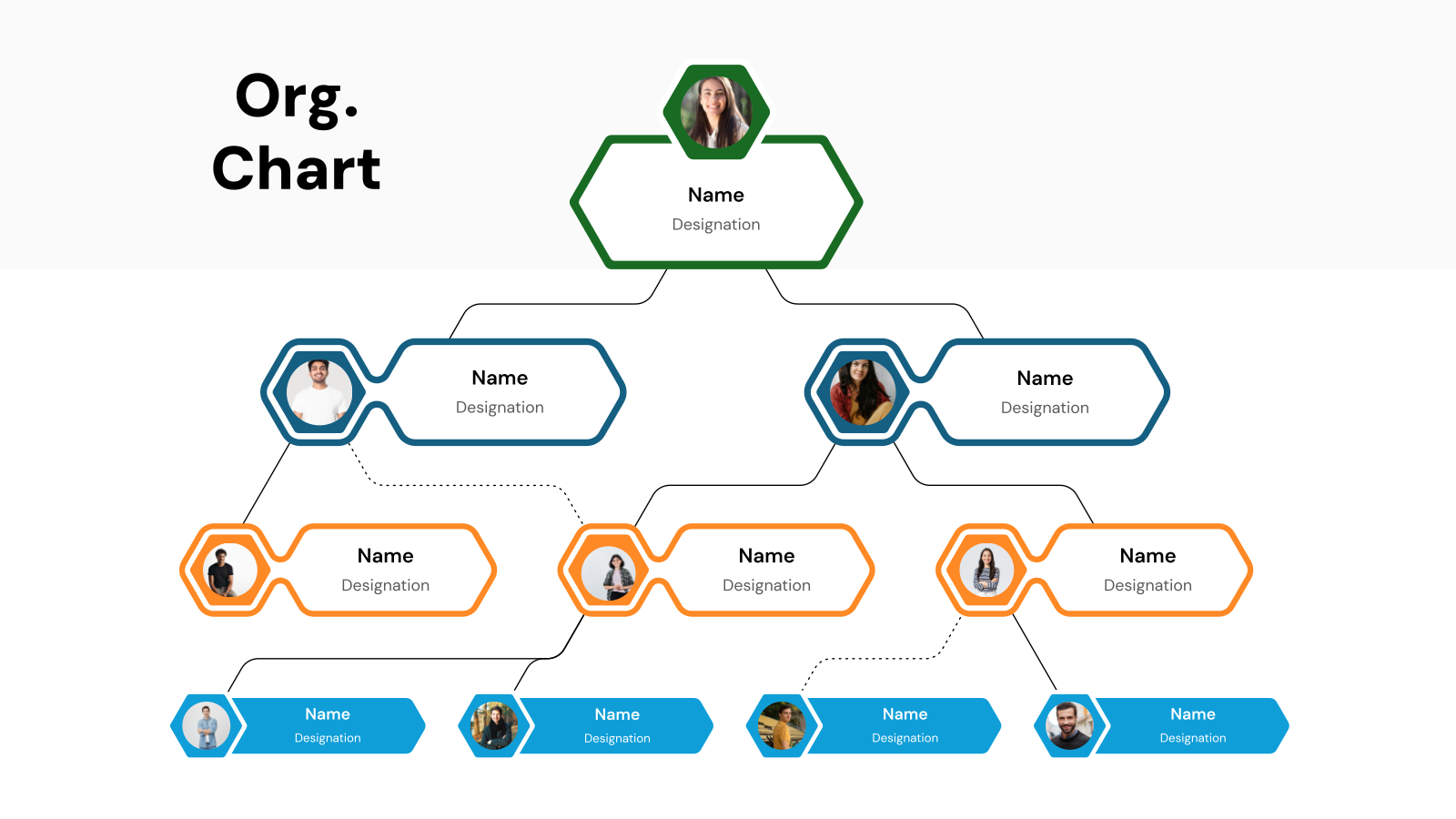
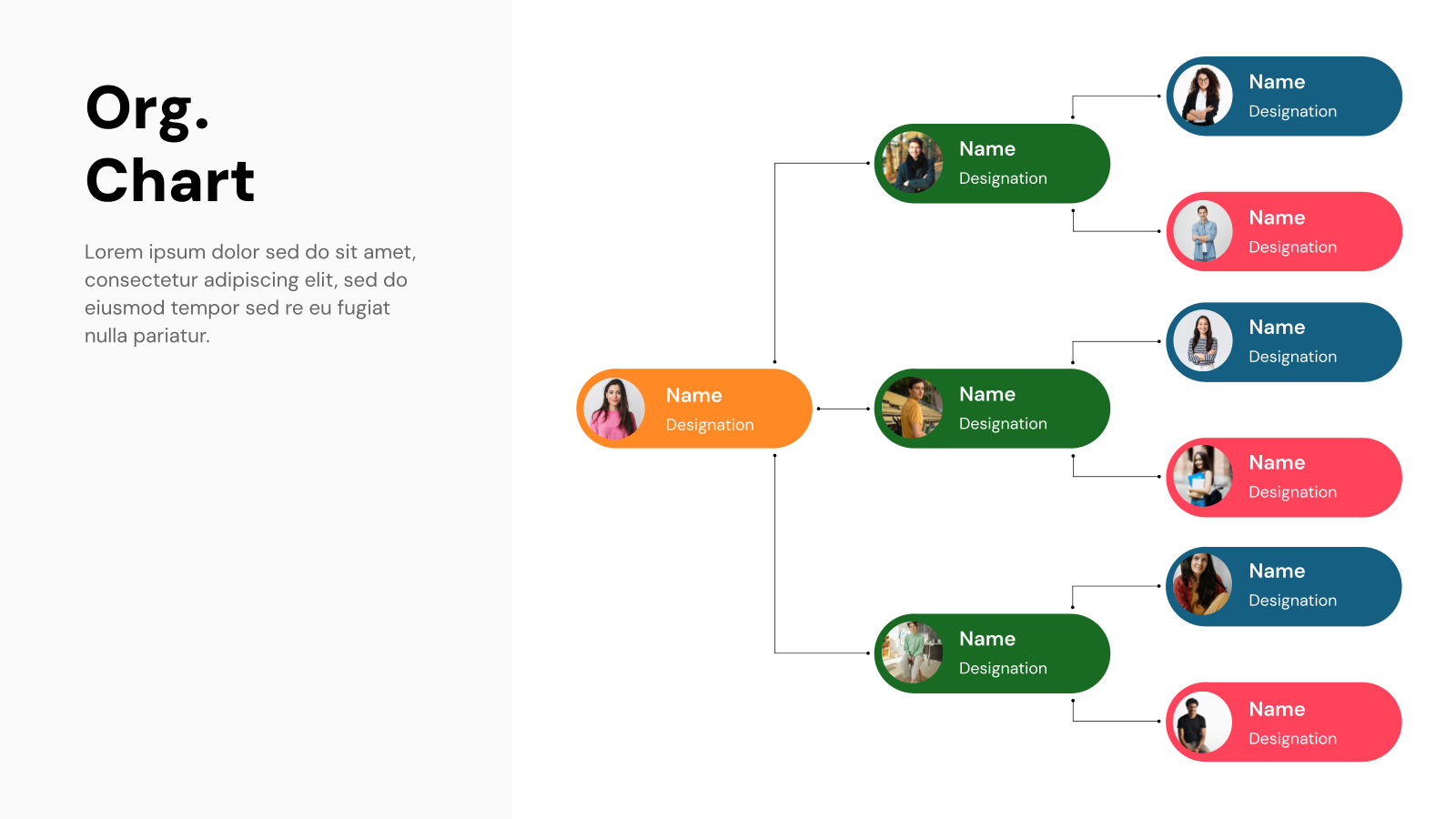
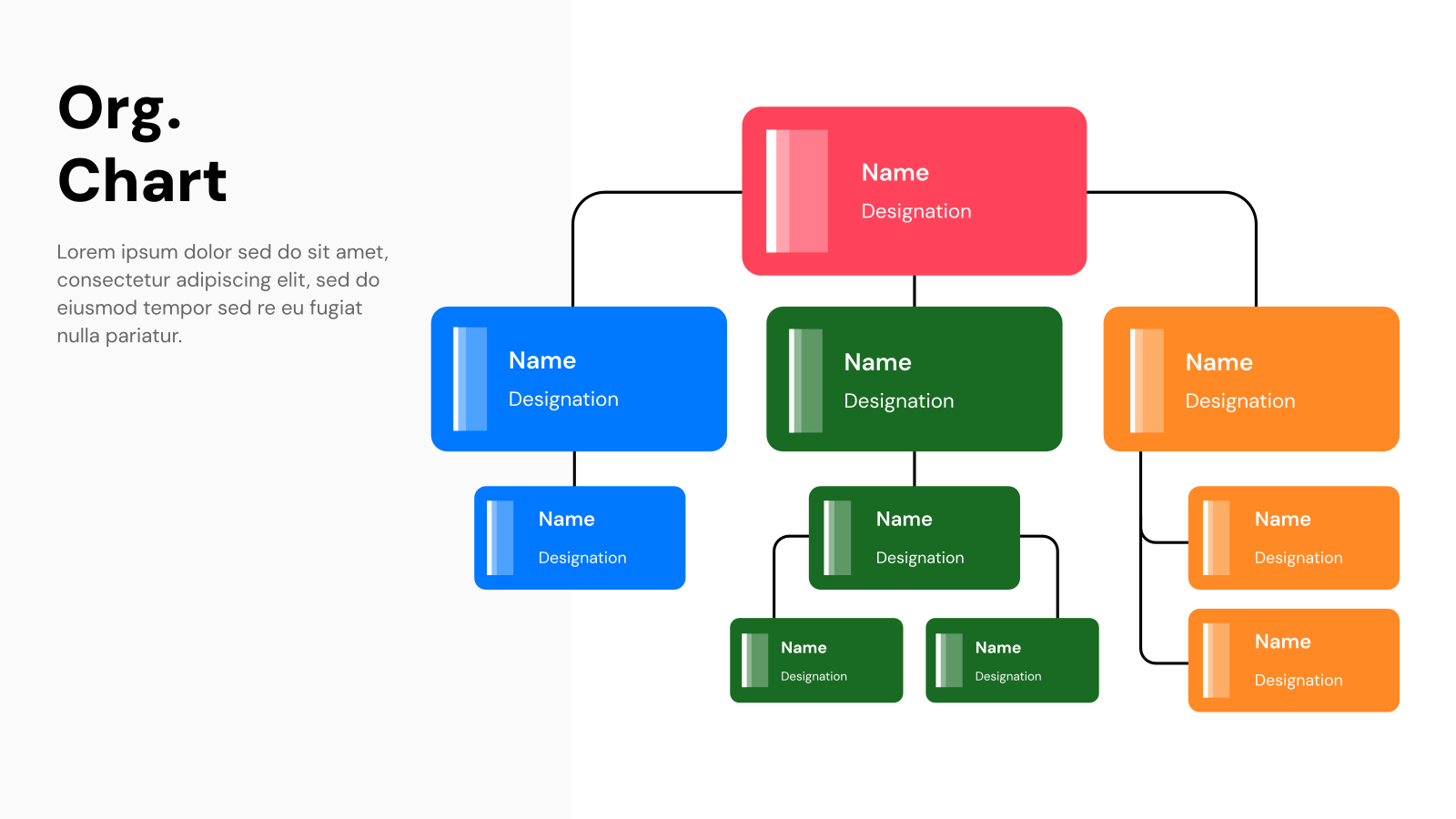
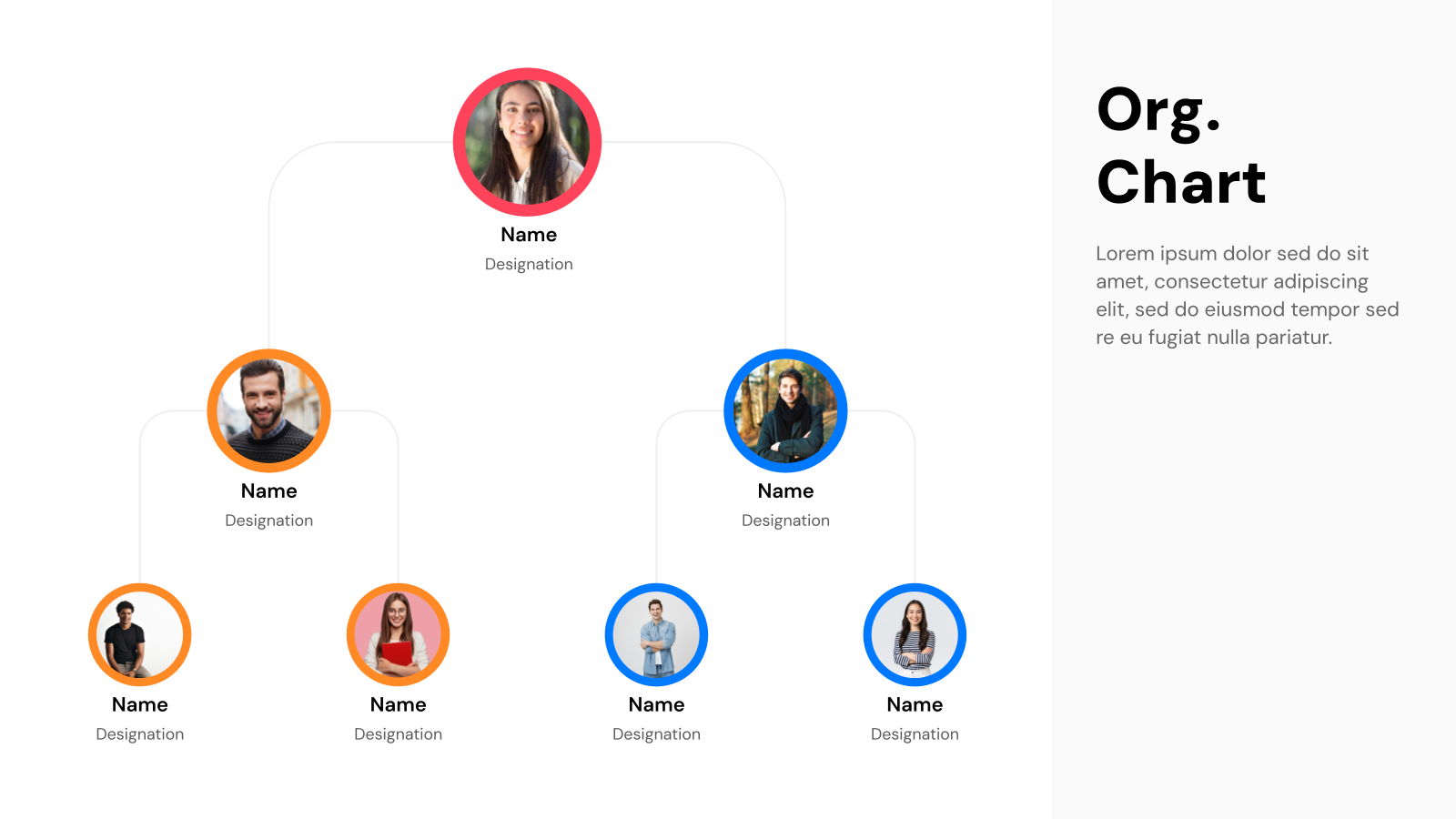
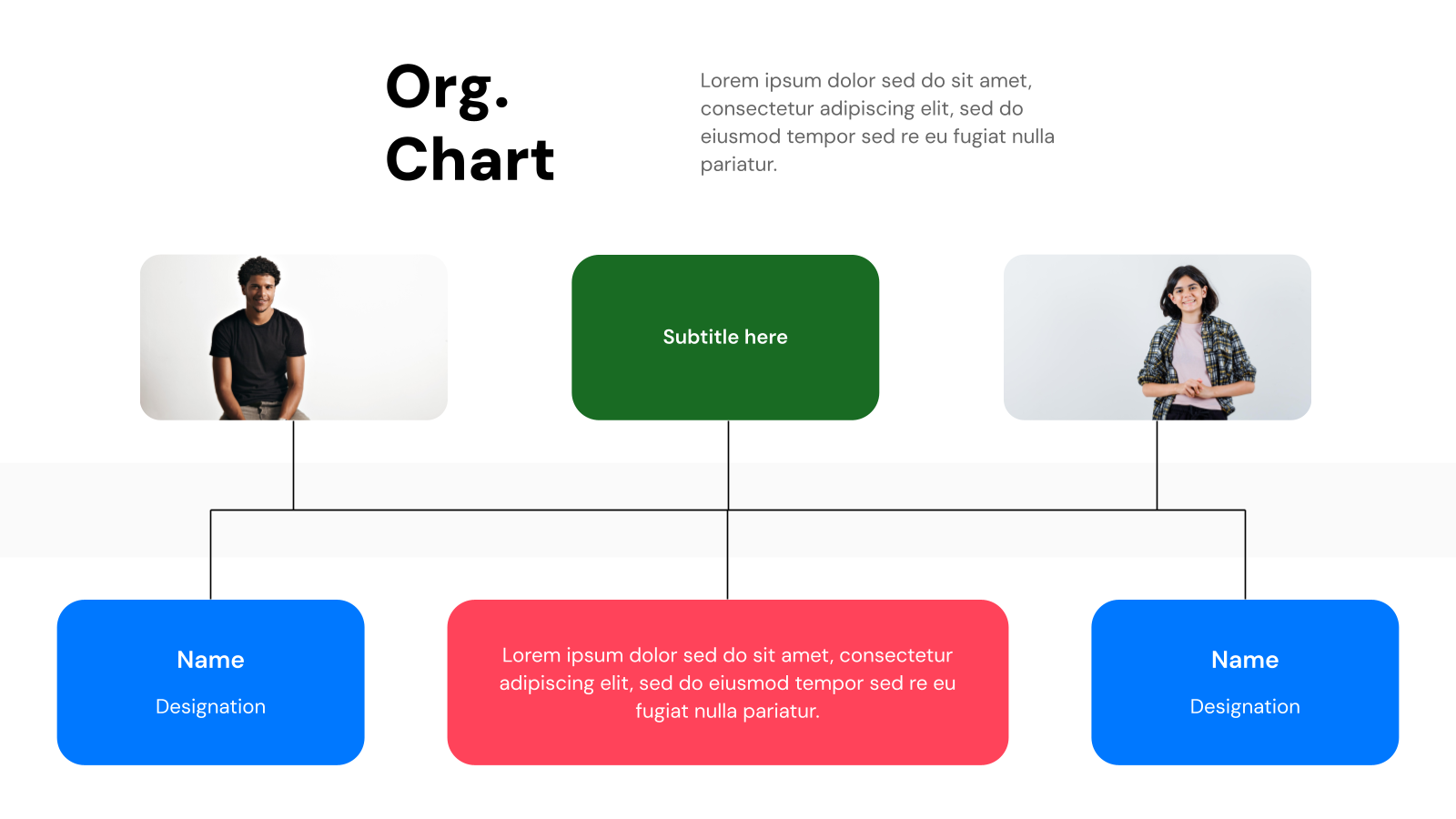
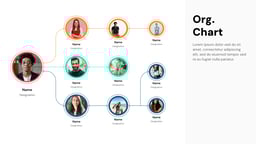
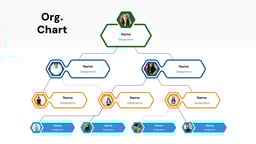
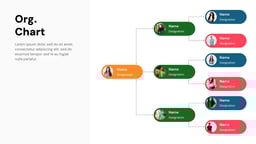
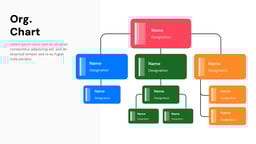
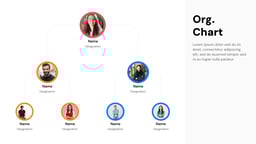
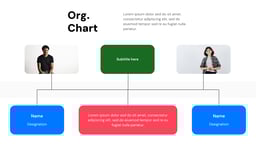
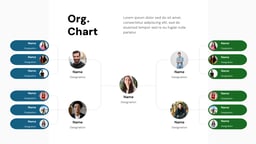
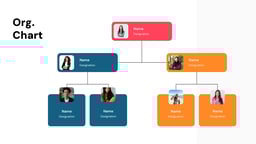
Organizational chart templates are ready-made designs that show a company’s structure in a visual way. You can easily edit them to display your own business hierarchy.
These templates help businesses show roles, departments, and workflows clearly. They save time, improve communication, and make it easier to plan and manage teams.
Create Presentations Easily in Google Slides and PowerPoint
14M+Installs
 Install add-in
Where Can You Use This Template?
- Clarify the Hierarchy: With the help of an organizational chart, you can form a well-defined chain of command for smoother decision-making and accountability.
- Know Who Does What: These chart templates outline job roles and team structures so everyone understands their responsibilities.
- Streamline Communication: Figure out the best ways to share information. This can be through meetings, emails, or collaboration tools.
- Plan for the Future: Anticipate hiring needs, promotions, and team expansions to stay ahead of growth.
- Onboard and Train New Hires: Guide the newcomers in your company on how the hierarchy works and what is the company structure so that they know whom to contact for what.
- Evaluate Performance Fairly: Assess both individual and team contributions in the right context to ensure productivity and success.
- Prepare for Leadership Changes: Identify and groom potential successors for key roles so transitions are seamless.
- Keep Projects on Track: Assign roles and responsibilities within project teams to avoid bottlenecks and confusion.
- Align with Business Goals: Structure your organization in a way that supports long-term success.
- Manage Change Smoothly: When shifts happen, ensure teams stay well-communicated and the changes seem easy for everyone to adapt to.
- Stay Compliant: Ensure your company structure aligns with legal and regulatory requirements to avoid any risks.
Why Choose Our Presentation Template?
- Pre-designed slides: You don’t have to create slides from scratch. These ready-made designs save time so you can focus more on your content.
- Easy customization: You can change everything—colors, fonts, layouts, and text—to match your brand and needs.
- AI-powered support: Simply add your key points, and SlidesAI helps turn them into well-designed slides inside Google Slides.
- Consistent design: The templates keep your presentation looking clean and uniform with matching styles and colors.
- Professional results: Even without design skills, you can create polished and visually appealing presentations easily.
How to Use Organizational Chart Templates?
- Microsoft PowerPoint: Click on Download > Click on “PowerPoint” > Click on the downloaded file to make a copy and start customizing/editing the template.
- Google Slides: Click on Download > Click on “Google Slides” > Click on “Use Template” to make a copy and start customizing/editing the template.
Create presentations in seconds. Enter text and SlidesAI creates customizable slides based on that text in seconds that goes well with all our templates too
Build Stunning Slides in Seconds with AI
- No design skills required
- 3 presentations/month free
- Don't need to learn a new software

Frequently Asked Questions About Organizational Chart Presentation Template
Can I customize the organization chart templates?
Yes, you can customize the templates by:
- Adding, removing, or rearranging shapes
- Inserting logos or images
- Changing styles, fonts, and colors
- Adding text boxes for names, job titles, and descriptions
What are the types of organizational chart template layouts?
The most common chart layouts are:
- Hierarchical: Traditional top-down structure.
- Matrix: Shows multiple reporting lines (e.g., project-based).
- Flat: Emphasizes decentralized decision-making.
- Network: Illustrates connections between individuals and teams.
How do I add or remove employees from an organizational template?
Most of these templates have a feature to delete, duplicate, or move shapes to change the organization’s structure.
Can I use these templates for huge organizations?
Yes, you can use templates for large organizations. But if you have a very large organization with a lot of members in the hierarchical structure, you may want to use specialized organizational chart software or create a more complex chart manually.
Can I share organizational charts created in templates?
Yes, organizational chart templates can be shared as images, PDFs, or presentations with the help of PowerPoint and Google Slides.